Full Reverse DNS (PTR) Setup — Why It’s Required & What Breaks If You Skip It
If you send email from a VPS and Gmail is rejecting, delaying, or spamming your messages, the problem is often missing Reverse DNS (PTR).
This guide explains:
✔ What PTR is
✔ How to configure it correctly
✔ Why Gmail distrusts servers without it
✔ What breaks if it’s not set
—
🧠 What Is Reverse DNS (PTR)?
Reverse DNS (PTR) maps your server IP back to a hostname.
Example:
$$
YOUR_SERVER_IP → mail.yourdomain.com
$$
This is the reverse of normal DNS (A record), which maps:
$$
mail.yourdomain.com → YOUR_SERVER_IP
$$
👉 Both must match.
—
🔁 Forward DNS vs Reverse DNS (Simple View)
| Type | Direction | Example |
|---|
| A Record (Forward) | Domain → IP | mail.site.com → 1.2.3.4 |
| PTR Record (Reverse) | IP → Domain | 1.2.3.4 → mail.site.com |
If they don’t match → email trust fails.
—
🚨 Why Gmail Requires PTR (Non-Negotiable)
Gmail applies strict mail server rules.
Without PTR:
❌ Gmail suspects spam behavior
❌ Server looks “unidentified”
❌ Emails land in spam or are rejected
❌ SSL trust is reduced
❌ SMTP reputation stays low
📌 PTR is a baseline trust requirement, not optional.
—
❌ What Happens If PTR Is NOT Set
If you skip PTR:
Gmail shows:
- “Message rejected”
- “Unauthenticated sender”
SPF/DKIM may PASS but delivery still FAILS
Port 465 SSL warnings appear
Your IP reputation never improves
Many admins waste weeks debugging everything else — while PTR is missing.
—
✅ Correct & Approved PTR Setup (2026 Standard)
🔹 REQUIRED CONFIGURATION
$$
YOUR_SERVER_IP → mail.yourdomain.com
$$
And forward DNS must also exist:
$$
mail.yourdomain.com → YOUR_SERVER_IP
$$
✔ Exact match
✔ No IP hostname like vps123.provider.com
✔ Must be a real mail hostname
—
🛠 STEP-BY-STEP: How To Configure PTR (Properly)
🟢 STEP 1: Create Mail A Record (Forward DNS)
In your DNS provider (example: Cloudflare):
$$
Type: A
Name: mail
Value: YOUR_SERVER_IP
Proxy: DNS Only (Grey Cloud)
$$
⚠ Mail must NOT be proxied.
—
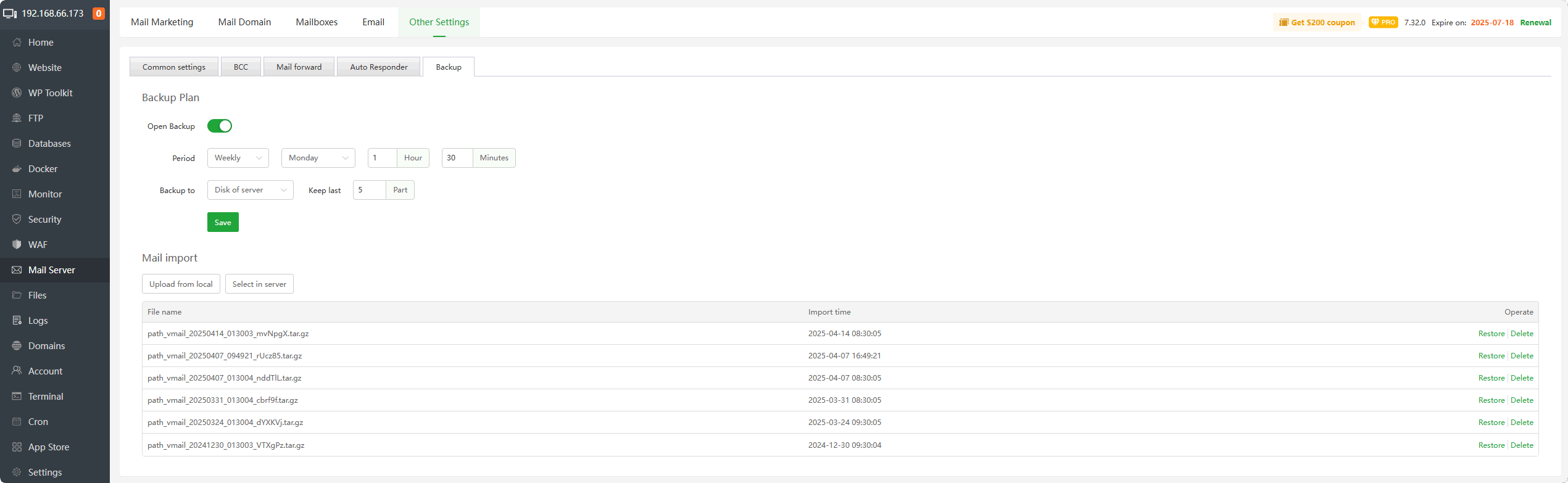
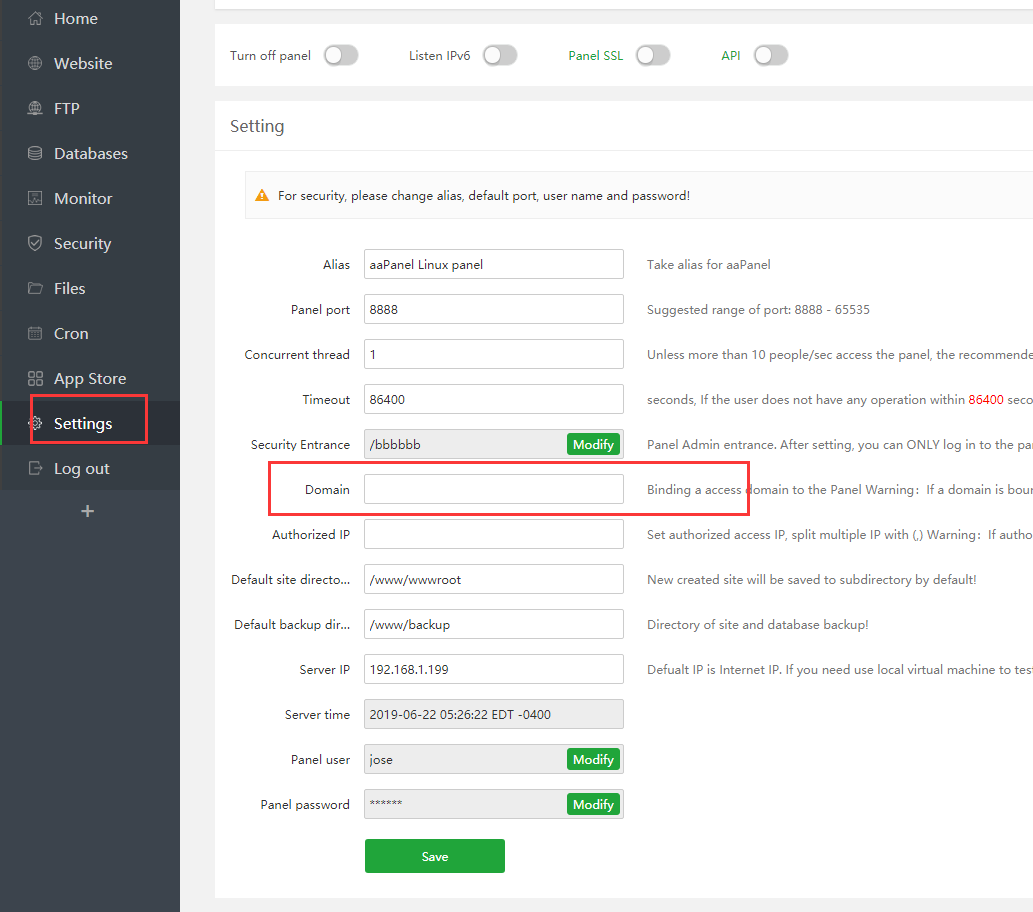
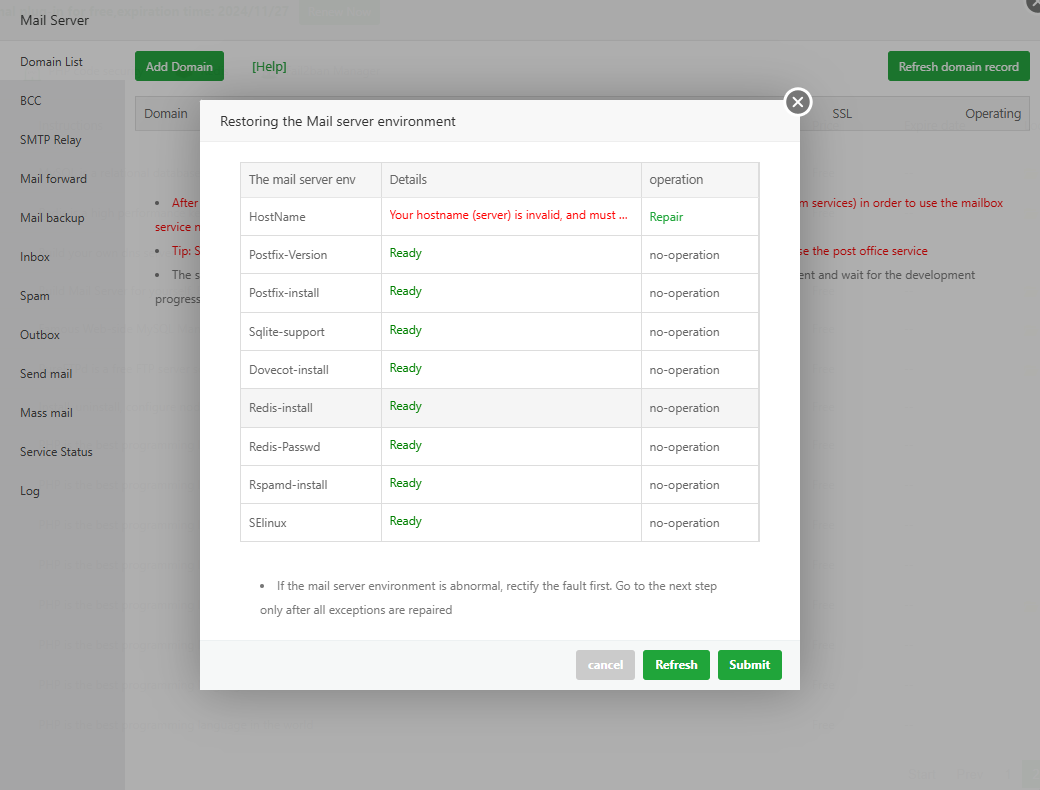
🟢 STEP 2: Set Mail Hostname in aaPanel
4
Inside aaPanel:
$$
Mail Server → Hostname
mail.yourdomain.com
$$
Restart mail service.
—
🟢 STEP 3: Contact Your VPS Provider (Mandatory)
PTR cannot be set inside aaPanel or Cloudflare.
You must contact your VPS provider and request:
$$
Please set Reverse DNS (PTR) for:
YOUR_SERVER_IP → mail.yourdomain.com
$$
Most providers:
✔ Do it in minutes
✔ Or via control panel
✔ Or support ticket
—
🟢 STEP 4: Verify PTR Is Working
After provider confirms, test using:
$$
dig -x YOUR_SERVER_IP
$$
Expected result:
$$
mail.yourdomain.com
$$
If you see provider hostname instead → PTR is still wrong.
—
🔐 Why PTR Must Match SSL & SMTP
SMTP + SSL relies on hostname trust.
If:
SMTP hostname = mail.yourdomain.com
SSL certificate = mail.yourdomain.com
PTR = mail.yourdomain.com
👉 Gmail trusts your server.
If any one differs → distrust.
—
🔥 PTR + SPF + DKIM + DMARC = Inbox Delivery
PTR alone is not enough — but without it, nothing else works properly.
| Record | Purpose |
|---|
| PTR | Server identity |
| SPF | IP authorization |
| DKIM | Message integrity |
| DMARC | Policy enforcement |
PTR is the foundation.
—
⚡ Quick PTR Checklist
| Item | Status |
|---|
| Mail A record exists | ✅ |
| Mail hostname set | ✅ |
| PTR set by provider | ✅ |
| Forward & reverse match | ✅ |
| Mail not proxied | ✅ |
| Gmail delivery improves | ✅ |
—
🚀 Best-Practice Email Setup (2026)
✔ mail.yourdomain.com everywhere
✔ PTR set correctly
✔ SPF, DKIM, DMARC enabled
✔ SSL installed for mail hostname
✔ SMTP via 465 or 587
✔ No Cloudflare proxy on mail
—
#aaPanel #ReverseDNS #PTRRecord #EmailDeliverability #GmailFix #VPSMail #SMTP

