aaPanel Auto Redirect HTTP to HTTPS Properly (No Loop Errors) – 2026 Guide
If you want to automatically redirect:
$$
http://yourdomain.com
$$
to
$$
https://yourdomain.com
$$
And you’re using:
This guide shows how to do it without causing redirect loops.
—
🚨 Why Redirect Loops Happen
Most loops happen when:
✔ HTTPS redirect enabled in aaPanel
✔ HTTPS redirect enabled in .htaccess
✔ HTTPS redirect enabled in Nginx config
✔ HTTPS redirect enabled in Cloudflare
✔ SSL mode set to Flexible
Too many redirect rules = infinite loop.
—
🧠 Correct Redirect Logic (2026 Best Practice)
You should enable HTTPS redirect in only ONE place.
Recommended setup:
Cloudflare handles HTTPS redirect
aaPanel only provides valid SSL
No duplicate rewrite rules
—
✅ STEP 1: Install SSL in aaPanel First
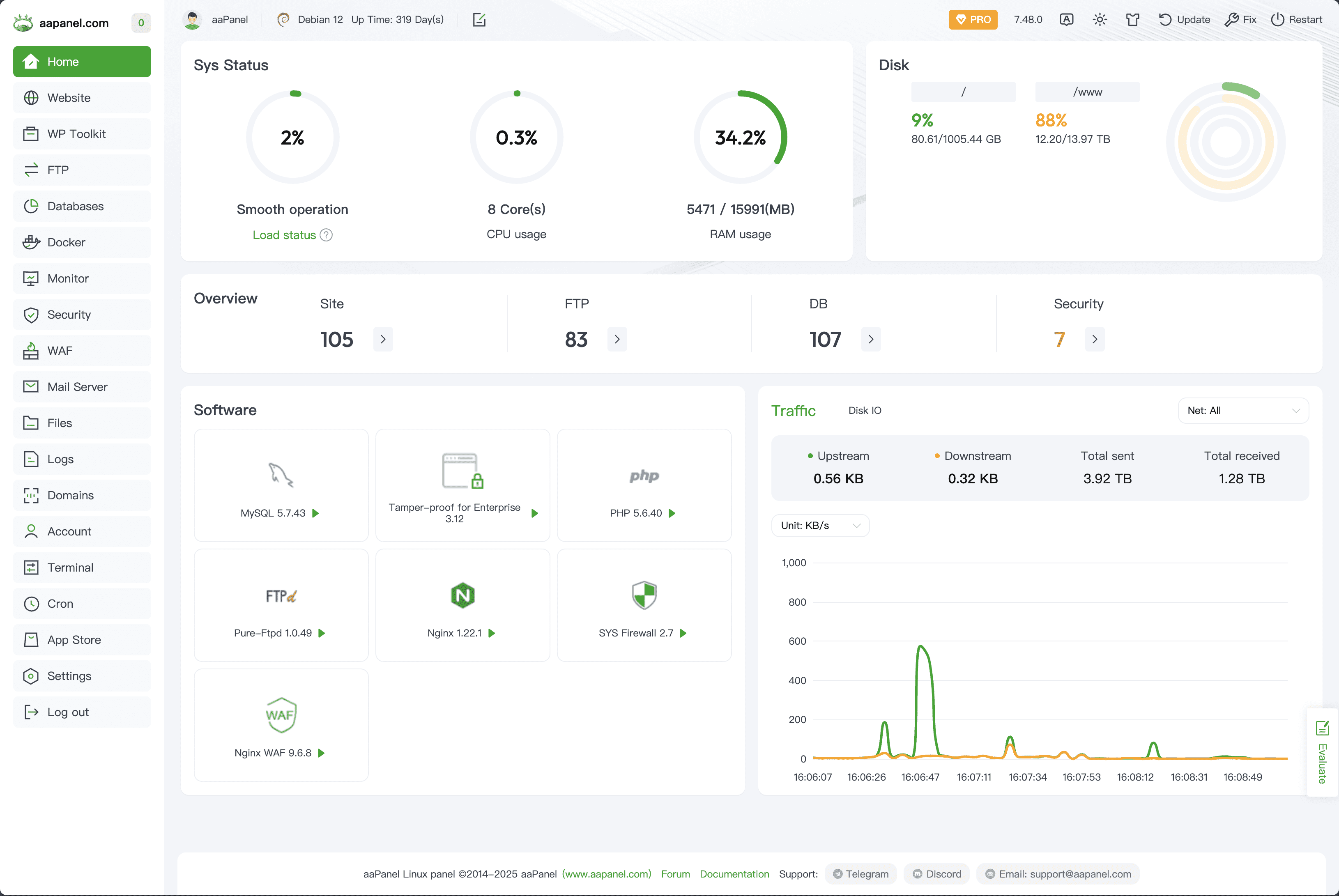
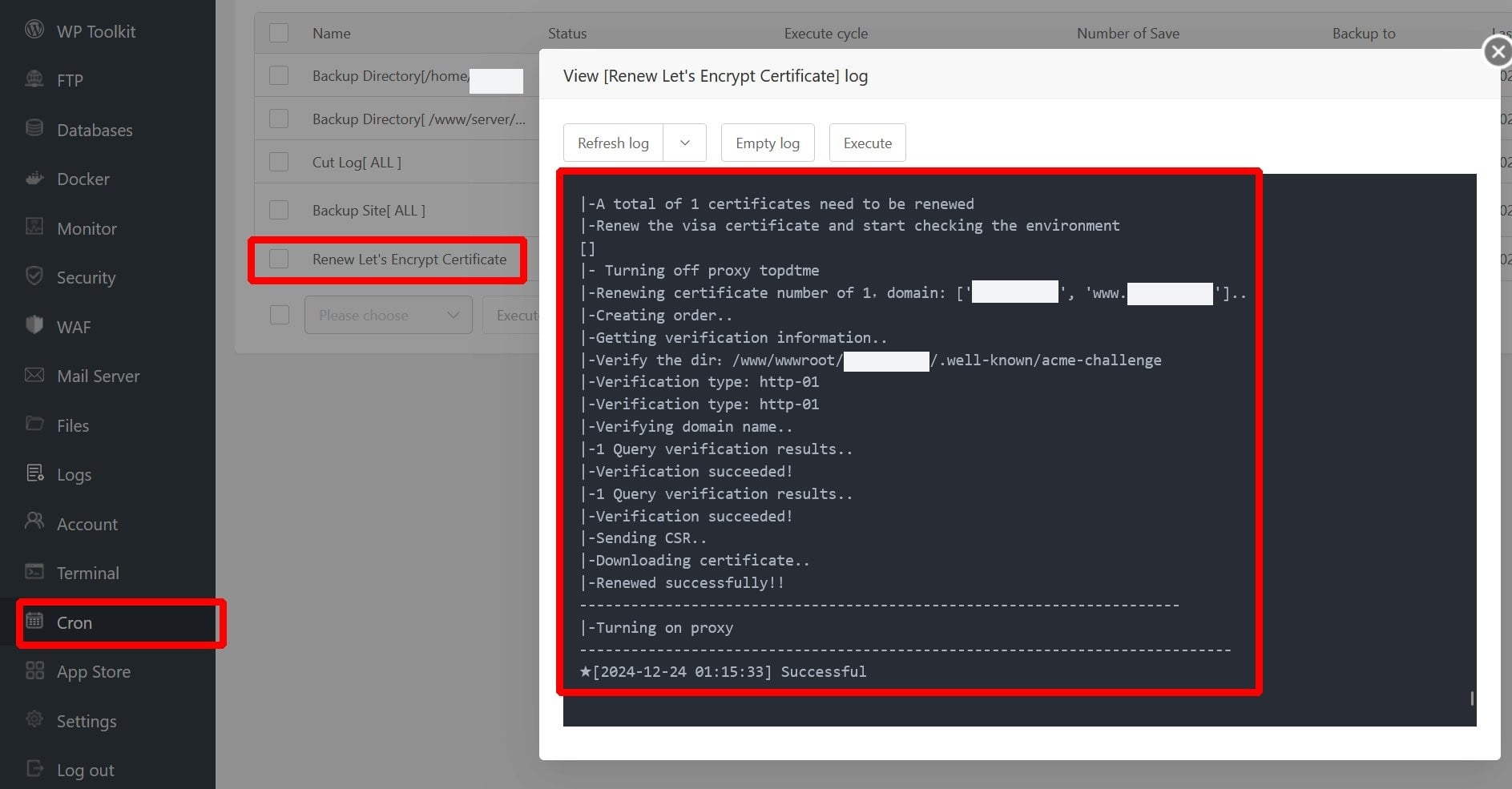
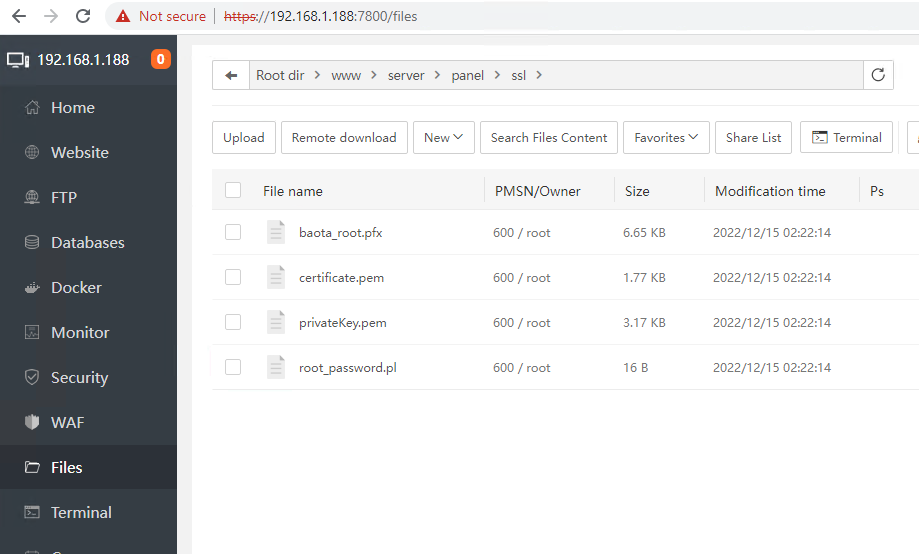
4
Inside aaPanel:
Website → Select domain
Click SSL
Install Let’s Encrypt
Enable HTTPS
Make sure HTTPS works directly on server first.
Test:
$$
https://yourdomain.com
$$
If not working → do not configure redirect yet.
—
✅ STEP 2: Configure Cloudflare SSL Mode (If Using Cloudflare)
Inside Cloudflare:
SSL/TLS → Set:
✅ Full (Strict)
Never use:
❌ Flexible
Flexible causes redirect loops with aaPanel.
—
✅ METHOD 1 (Recommended): Let Cloudflare Handle Redirect
Inside Cloudflare:
SSL/TLS → Edge Certificates
Enable:
✔ Always Use HTTPS
In aaPanel:
❌ Disable Force HTTPS option
This avoids duplicate redirects.
—
✅ METHOD 2: Let aaPanel Handle Redirect (Without Cloudflare Rule)
If not using Cloudflare:
Inside aaPanel:
Website → Settings → Redirect
Enable:
$$
HTTP → HTTPS
$$
That’s enough.
Do NOT add manual .htaccess rules.
—
🔎 Apache Users – Avoid Duplicate Rules
If using:
Check .htaccess.
Remove duplicate rules like:
$$
RewriteEngine On
RewriteCond %{HTTPS} off
RewriteRule ^ https://%{HTTP_HOST}%{REQUEST_URI} [L,R=301]
$$
Only one redirect rule should exist.
—
🔎 Nginx Users – Clean Redirect Example
If manually configuring Nginx:
$$
server {
listen 80;
server_name yourdomain.com;
return 301 https://$host$request_uri;
}
$$
Ensure no additional redirect rules exist.
Restart Nginx after changes.
—
⚡ Redirect Test Checklist
After setup:
✔ http://yourdomain.com redirects once
✔ No ERR_TOO_MANY_REDIRECTS
✔ SSL padlock appears
✔ No mixed content warnings
✔ No 500 errors
Use browser dev tools → Network tab → verify single 301 redirect.
—
🚀 Best Stable Setup (2026 Recommended)
✔ Let’s Encrypt installed
✔ Nginx recommended
✔ Cloudflare Full (Strict)
✔ Only one redirect system active
✔ Mail DNS not proxied
—
🔥 Why Flexible SSL Breaks Redirect
Flexible SSL:
Cloudflare connects via HTTP
aaPanel redirects to HTTPS
Cloudflare reconnects via HTTP
Loop starts
Always use:
Full (Strict)
—
Web Development #aaPanel #HTTPSRedirect #SSLError #Cloudflare #VPSHosting #RedirectLoop #WebSecurity

