How To Connect aaPanel Website to Cloudflare Properly (2026 Guide)
If you’re running your site on:
And want to connect it to:
This guide will help you set it up correctly — without:
❌ ERR_TOO_MANY_REDIRECTS
❌ SSL certificate errors
❌ Mixed content issues
❌ Mail server failures
—
🧠 Why Use Cloudflare With aaPanel?
Benefits:
✔ Free SSL
✔ CDN (faster loading)
✔ DDoS protection
✔ Bot filtering
✔ DNS management
✔ Global caching
But it must be configured properly.
—
✅ STEP 1: Add Your Domain to Cloudflare
Go to Cloudflare
Click Add Site
Enter your domain
Choose Free Plan
Cloudflare scans existing DNS
—
✅ STEP 2: Update Nameservers
Cloudflare will give you 2 nameservers.
Go to your domain registrar and replace existing nameservers with Cloudflare’s.
Wait for DNS propagation (usually 5–30 minutes).
—
✅ STEP 3: Configure DNS Records Correctly


4
Inside Cloudflare → DNS:
A Record for Website
$$
Type: A
Name: @
Value: YOUR_SERVER_IP
Proxy: ON (Orange Cloud)
$$
A Record for www
$$
Type: A
Name: www
Value: YOUR_SERVER_IP
Proxy: ON
$$
—
Important: Mail Record Must Be DNS Only
If running mail server:
$$
Type: A
Name: mail
Value: YOUR_SERVER_IP
Proxy: OFF (Grey Cloud)
$$
Cloudflare does NOT proxy SMTP ports.
—
✅ STEP 4: Configure SSL Mode Correctly
Inside Cloudflare → SSL/TLS:
Set to:
✅ Full (Strict)
Never use:
❌ Flexible
❌ Off
Flexible causes redirect loops with aaPanel.
—
✅ STEP 5: Install SSL in aaPanel
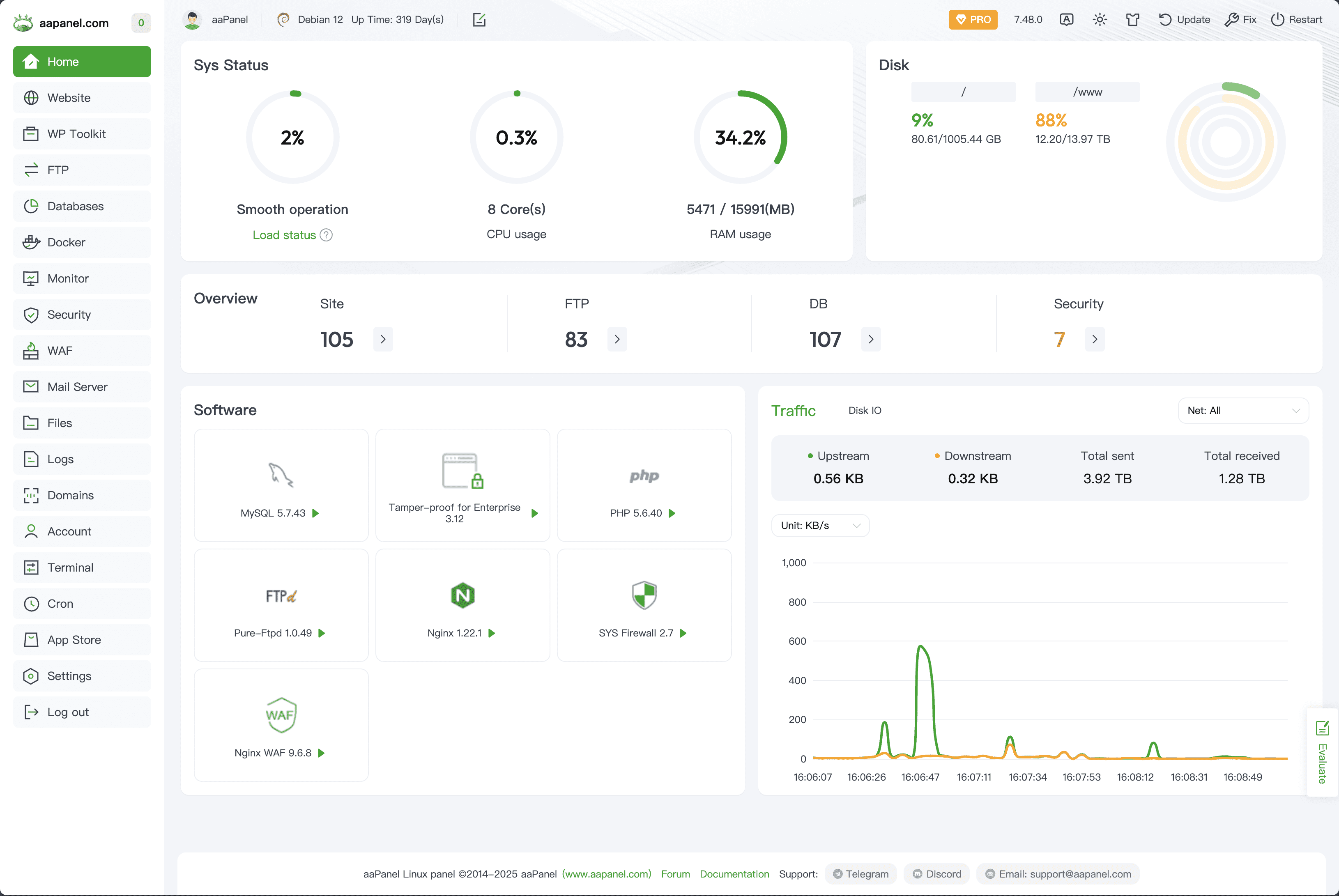
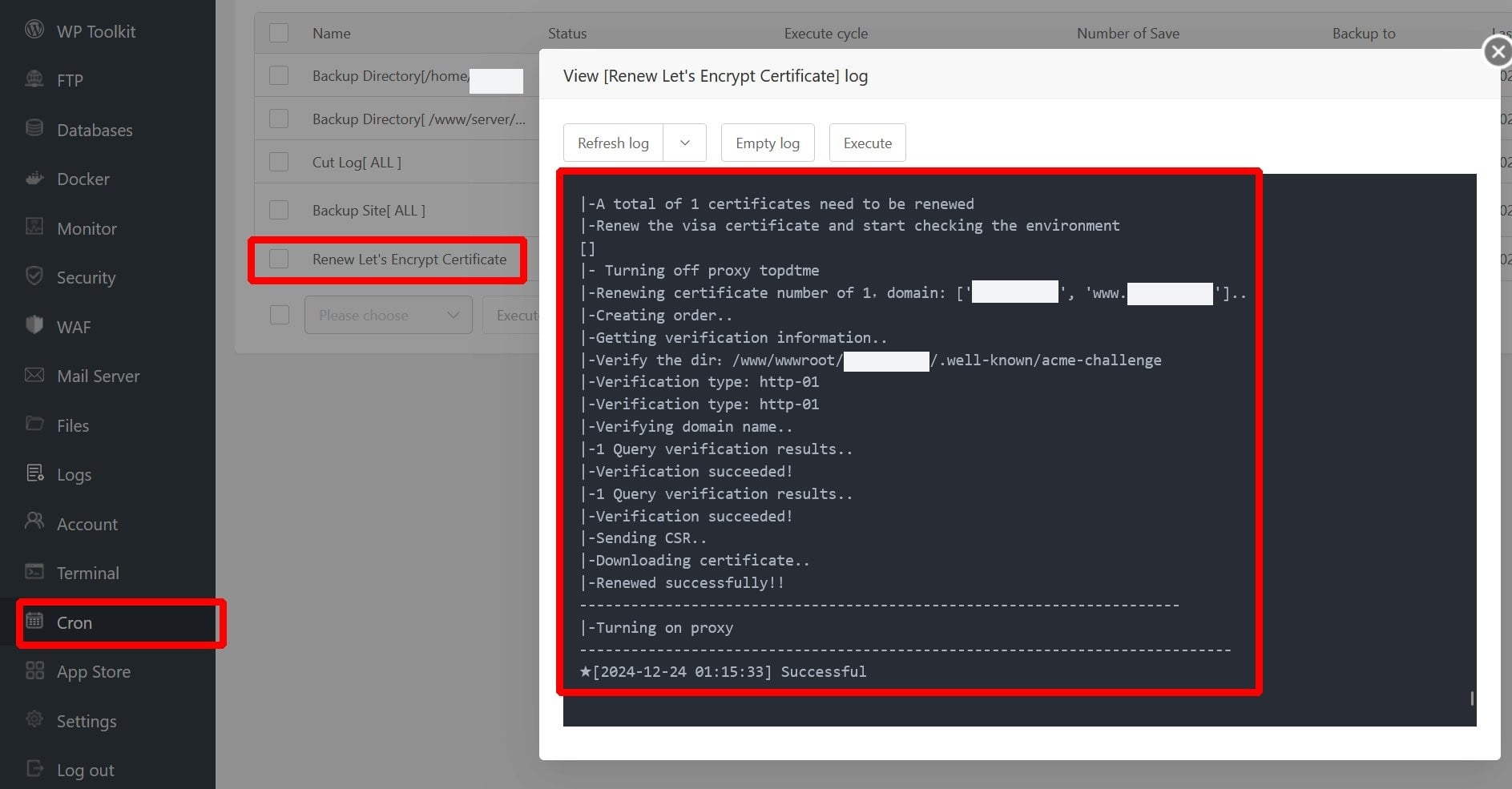
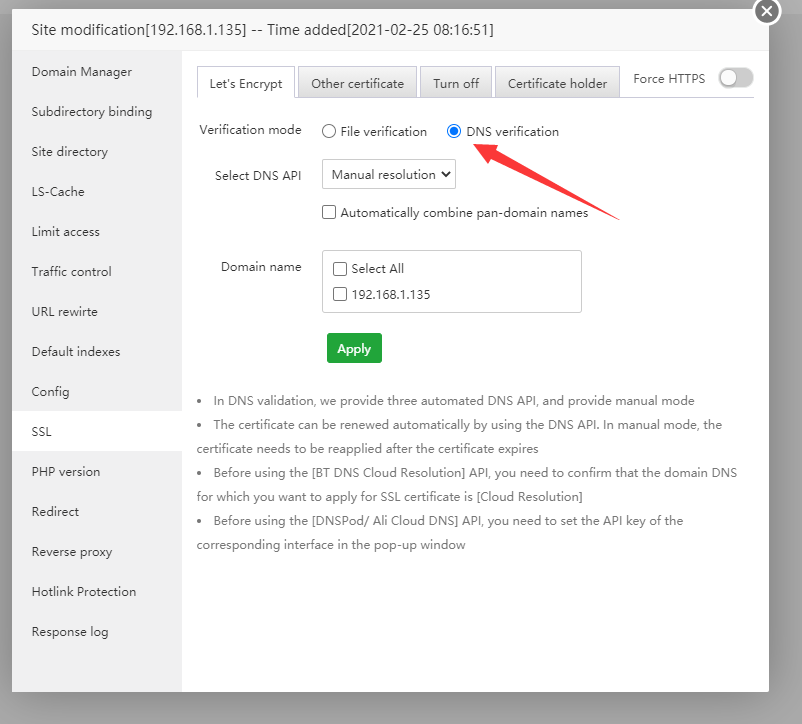
4
Inside aaPanel:
Go to Website
Select your domain
Click SSL
Install Let’s Encrypt
Enable HTTPS
Now your server supports valid SSL.
—
✅ STEP 6: Configure HTTPS Redirect Properly
Avoid double redirect loops.
Recommended setup:
Cloudflare:
✔ Always Use HTTPS = ON
aaPanel:
✔ Do NOT enable additional redirect rules (unless needed)
Only one redirect system should handle HTTPS.
—
✅ STEP 7: Enable Performance Settings
Inside Cloudflare:
✔ Auto Minify (HTML, CSS, JS)
✔ Brotli compression
✔ HTTP/2 enabled
✔ Caching level: Standard
Inside aaPanel (Nginx recommended):
✔ Enable Gzip
✔ Enable OPcache
✔ Enable Redis
—
✅ STEP 8: Test Your Website
Check:
✔ No ERR_TOO_MANY_REDIRECTS
✔ No mixed content
✔ SSL certificate valid
✔ Load time improved
You can verify SSL by clicking the padlock in browser.
—
🔥 Common Mistakes To Avoid
❌ Using Flexible SSL
❌ Proxying mail subdomain
❌ Not installing SSL in aaPanel
❌ Duplicating redirect rules
❌ Not clearing cache after changes
—
🔐 Best Stable Setup (2026 Recommended)
✔ aaPanel + Nginx
✔ Let’s Encrypt installed
✔ Cloudflare Full (Strict)
✔ Mail DNS set to DNS Only
✔ Redis + OPcache enabled
This configuration is stable and high-performance.
—
Web Development #aaPanel #Cloudflare #VPSHosting #SSLSetup #CDN #WebSecurity #HostingGuide

