aaPanel High CPU Usage Fix (2026 Complete Optimization Guide)
If your VPS shows:
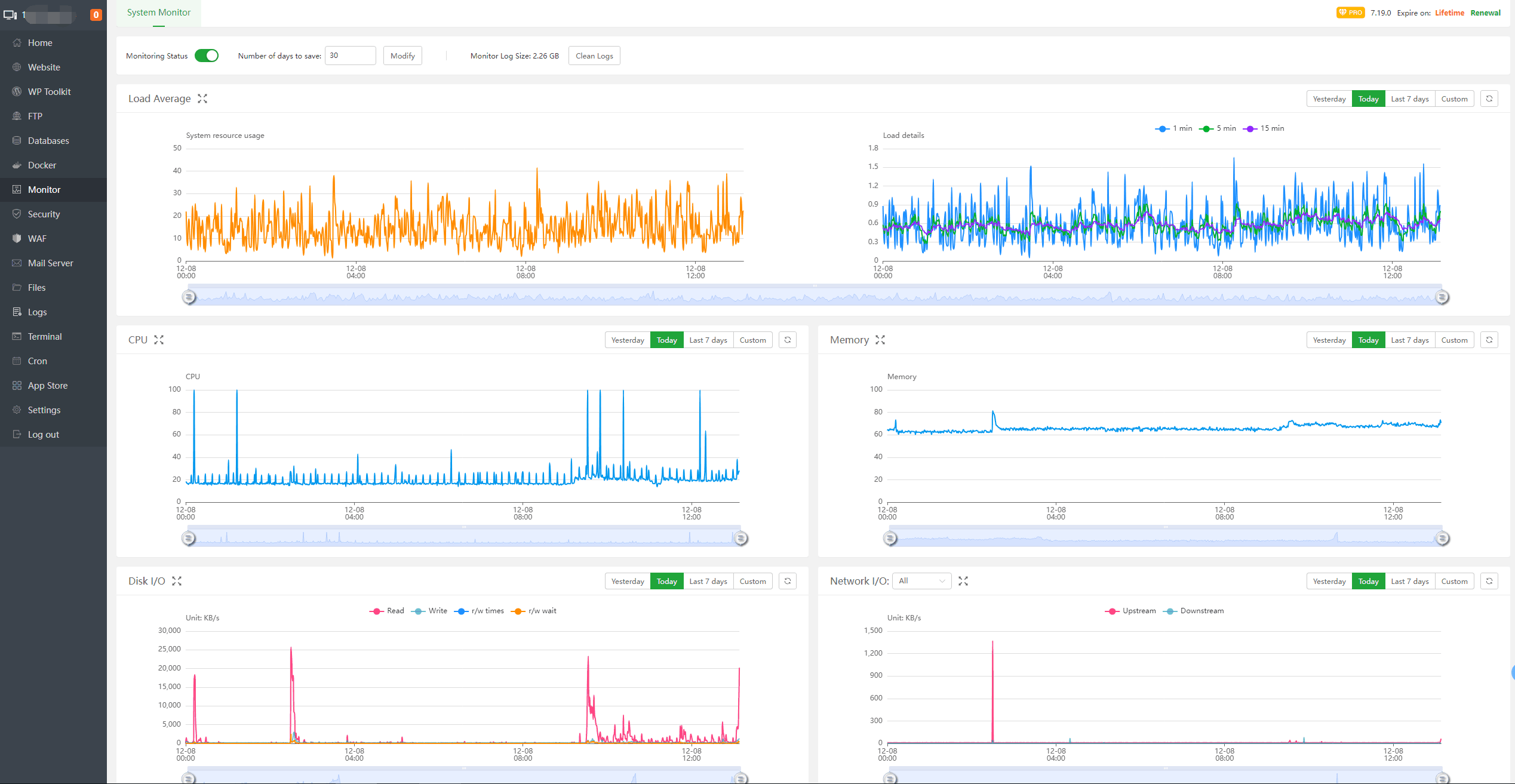
⚠ CPU usage 80%–100%
⚠ Load average very high
⚠ Server slow or freezing
⚠ Websites timing out
And you’re using:
This guide will help you diagnose and fix it properly.
—
🧠 First: Identify What Is Using CPU
Before changing settings — find the real cause.
SSH into your server:
$$
top
$$
Or:
$$
htop
$$
Look for processes like:
The highest %CPU process is your problem.
—
🚨 Common Causes of High CPU in aaPanel
Too many PHP workers
Apache running on low RAM
MySQL heavy queries
WordPress plugins
Bots & attacks
Cron jobs running every minute
No caching enabled
Malware scripts
—
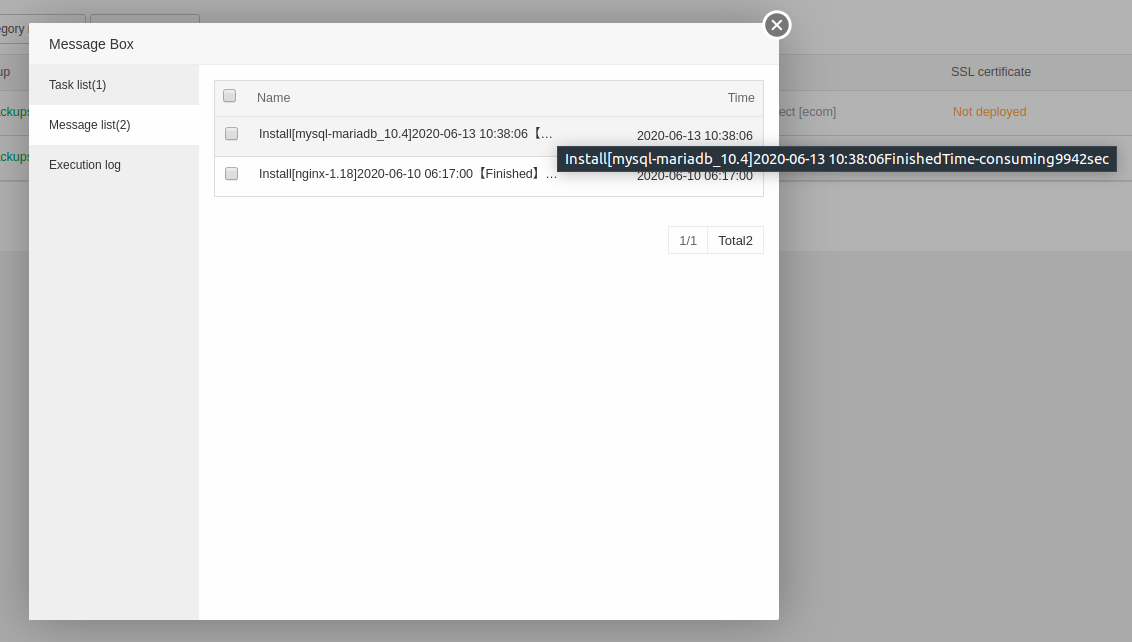
✅ Fix #1: Switch to Nginx (If Using Apache)
4
If using Apache on 1GB VPS → CPU spikes are common.
Install:
Disable Apache.
Nginx uses event-driven architecture → lower CPU load.
—
✅ Fix #2: Optimize PHP-FPM
Inside aaPanel → PHP Settings:
Recommended for 1GB VPS:
$$
pm = dynamic
pm.max_children = 8
pm.start_servers = 2
pm.min_spare_servers = 2
pm.max_spare_servers = 4
$$
Too many workers = CPU spikes.
Also set:
$$
memory_limit = 256M
$$
Restart PHP after changes.
—
✅ Fix #3: Enable OPcache
Inside PHP Extensions:
Enable:
✔ OPcache
This reduces repeated script compilation.
Huge CPU improvement.
—
✅ Fix #4: Install Redis Cache
Redis dramatically reduces database load.
Install Redis from aaPanel App Store.
If using WordPress:
Enable Redis Object Cache plugin.
This reduces MySQL CPU usage significantly.
—
✅ Fix #5: Optimize MySQL / MariaDB
If mysqld is consuming CPU:
Inside MySQL config:
$$
max_connections = 30
innodb_buffer_pool_size = 128M
$$
Enable slow query log:
$$
slow_query_log = ON
$$
Then analyze heavy queries.
MariaDB is generally lighter than MySQL for VPS.
—
✅ Fix #6: Block Bots & Attacks
High CPU with traffic spikes?
Enable protection in:
Turn on:
✔ Rate limiting
✔ Bot protection
✔ Firewall rules
Also enable basic firewall in aaPanel.
Bots can consume 90% CPU easily.
—
✅ Fix #7: Reduce Cron Frequency
Inside aaPanel → Cron:
Avoid:
$$
Every minute (* * * * *)
$$
Use:
$$
*/5 * * * *
$$
Frequent cron jobs overload small VPS.
—
✅ Fix #8: Check Disk I/O & Swap
Run:
$$
df -h
$$
If disk nearly full → MySQL & PHP spike CPU.
Create swap (if not already):
$$
fallocate -l 1G /swapfile
chmod 600 /swapfile
mkswap /swapfile
swapon /swapfile
$$
Swap prevents crash under pressure.
—
✅ Fix #9: Scan for Malware
If unknown process appears:
$$
ps aux –sort=-%cpu | head
$$
Suspicious PHP scripts inside /tmp folder?
Remove immediately.
—
🔥 Recommended Stable Setup (1GB VPS – 2026)
✔ Nginx
✔ PHP 8.1
✔ OPcache enabled
✔ Redis enabled
✔ MariaDB optimized
✔ 1GB swap
✔ Cloudflare protection
—
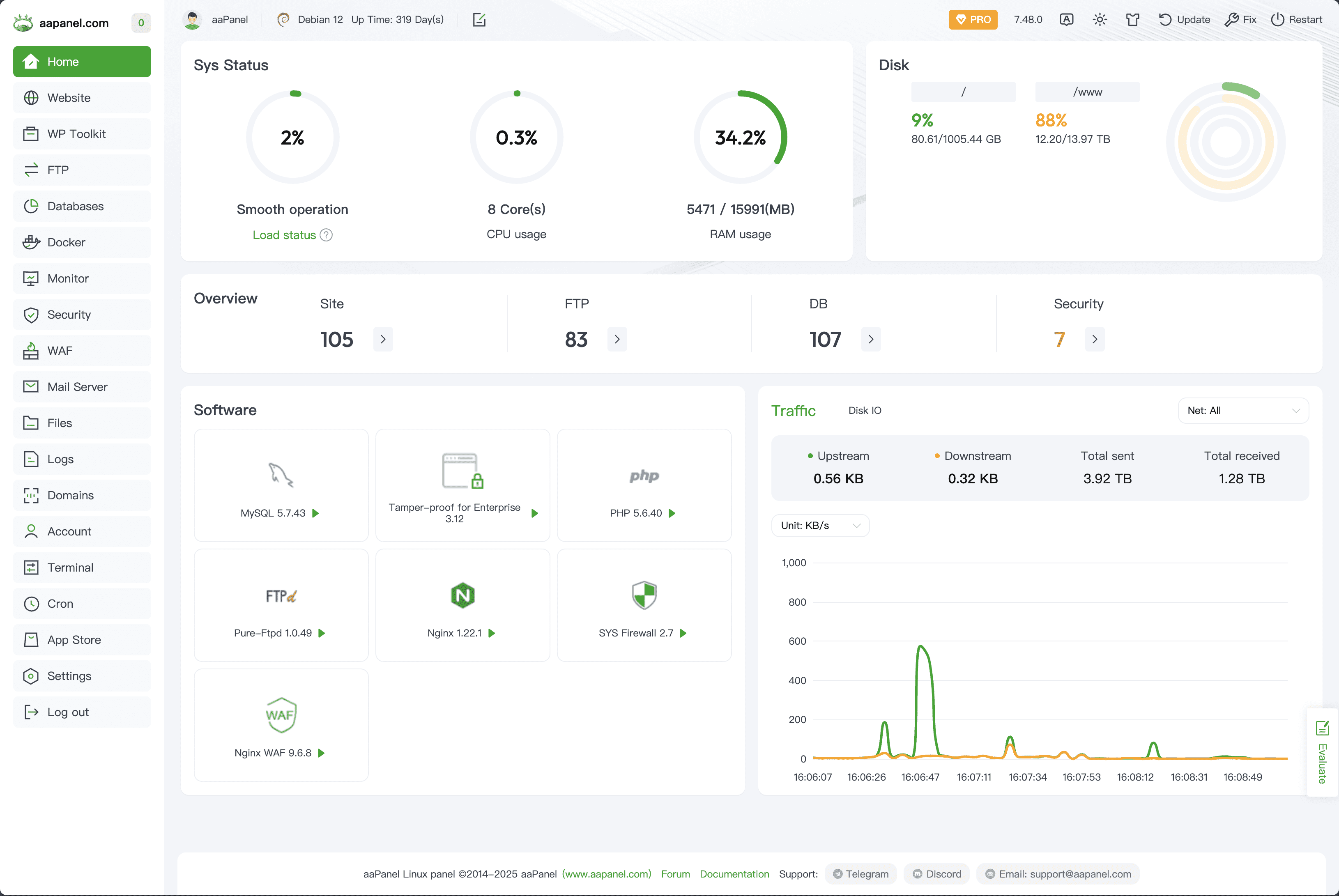
📊 Ideal Resource Targets
After optimization:
✔ CPU idle < 20%
✔ Load average < 1.0
✔ RAM usage < 700MB
If constantly above → consider upgrading to 2GB VPS.
—
⚡ Quick Fix Checklist
| Action | Done |
|---|
| Identified top CPU process | ✅ |
| Switched to Nginx | ✅ |
| Reduced PHP workers | ✅ |
| Enabled OPcache | ✅ |
| Installed Redis | ✅ |
| Optimized MySQL | ✅ |
| Blocked bots | ✅ |
| Reduced cron jobs | ✅ |
| Added swap | ✅ |
—
Web Development #aaPanel #HighCPU #VPSOptimization #ServerPerformance #Nginx #Cloudflare #HostingFix

