aaPanel Mail Server Setup Complete Guide (2026)
Want to create your own email server using:
This guide walks you through the full secure setup — including:
✔ Mail server install
✔ DNS configuration
✔ SSL setup
✔ SPF, DKIM & DMARC
✔ Gmail compatibility
✔ Reverse DNS (PTR)
✔ Security best practices
—
🧠 Before You Start (Requirements)
You need:
✔ VPS with public IP
✔ Ubuntu / CentOS server
✔ Port 25 open (ask provider if blocked)
✔ Domain name
✔ DNS access
Recommended:
✔ 1GB+ RAM
✔ Clean IP (not blacklisted)
—
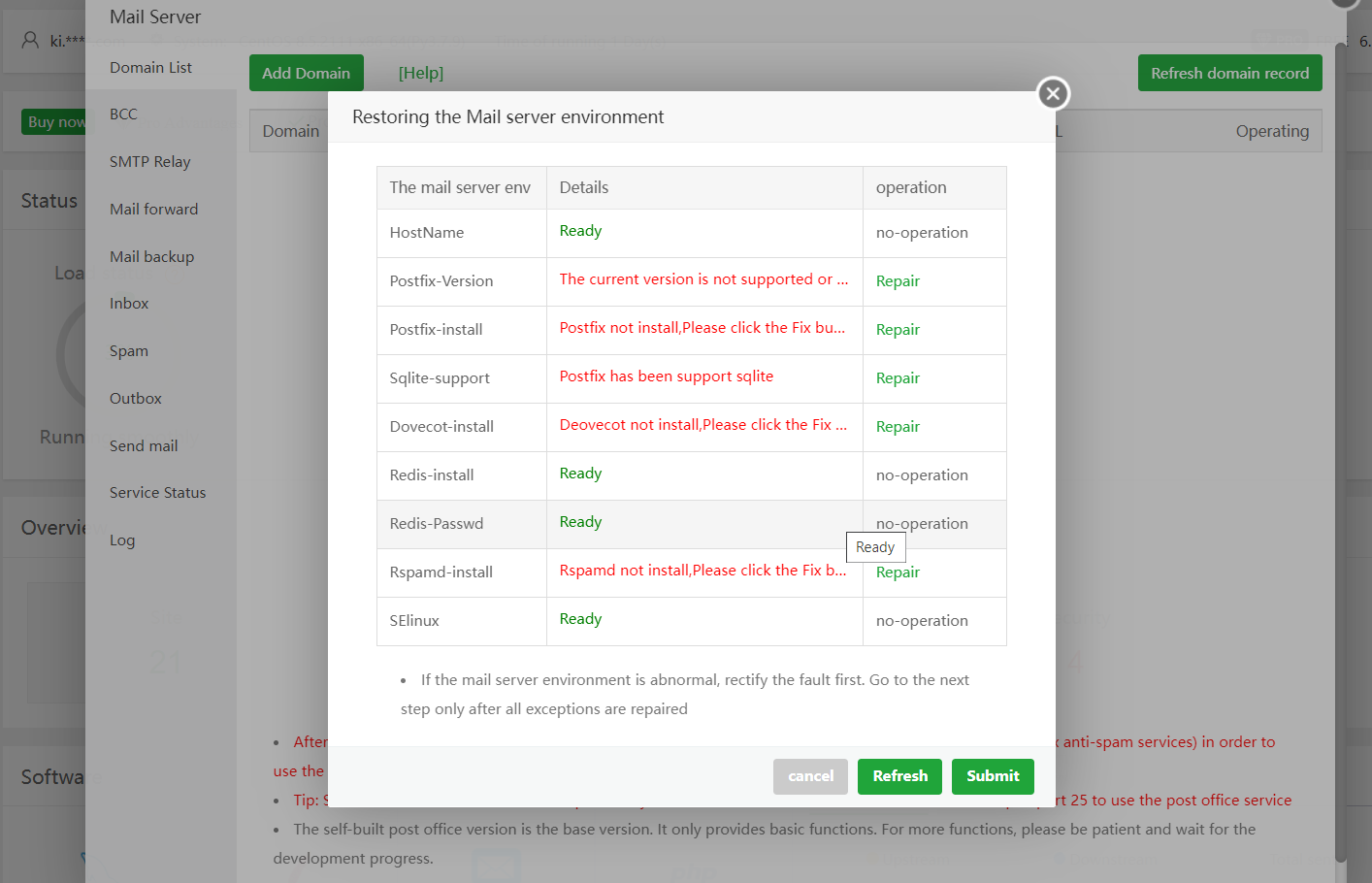
🟢 STEP 1: Install Mail Server in aaPanel
4
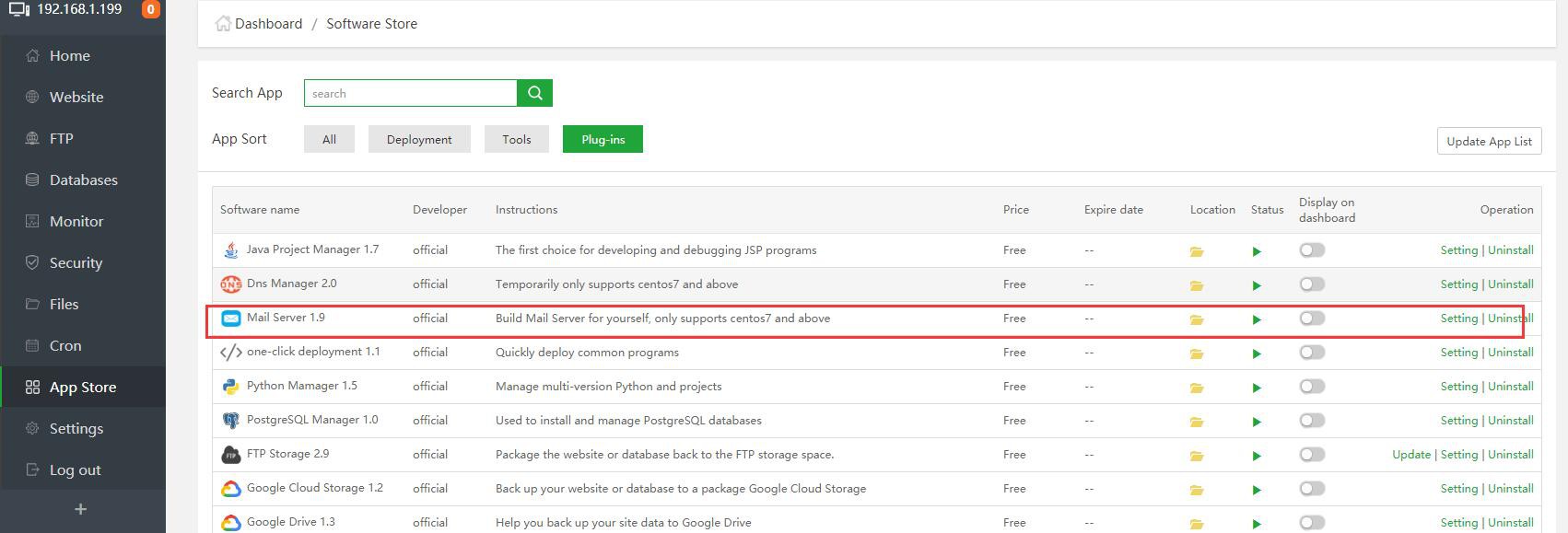
Inside aaPanel:
App Store → Install Mail Server
Wait for installation to complete.
—
🟢 STEP 2: Set Proper Hostname
Inside aaPanel → Mail Server:
Set hostname to:
$$
mail.yourdomain.com
$$
This is extremely important.
—
🟢 STEP 3: Configure DNS Records
If using:
Make sure mail record is DNS Only (Grey Cloud).
—
Required DNS Records
1️⃣ A Record
$$
mail → YOUR_SERVER_IP
$$
—
2️⃣ MX Record
$$
Type: MX
Name: @
Value: mail.yourdomain.com
Priority: 10
$$
—
3️⃣ SPF Record
$$
v=spf1 mx a ip4:YOUR_SERVER_IP all
$$
—
4️⃣ DKIM Record
Enable DKIM inside aaPanel.
Add generated TXT record:
$$
default._domainkey
$$
—
5️⃣ DMARC Record
$$
v=DMARC1; p=none; rua=mailto:postmaster@yourdomain.com
$$
—
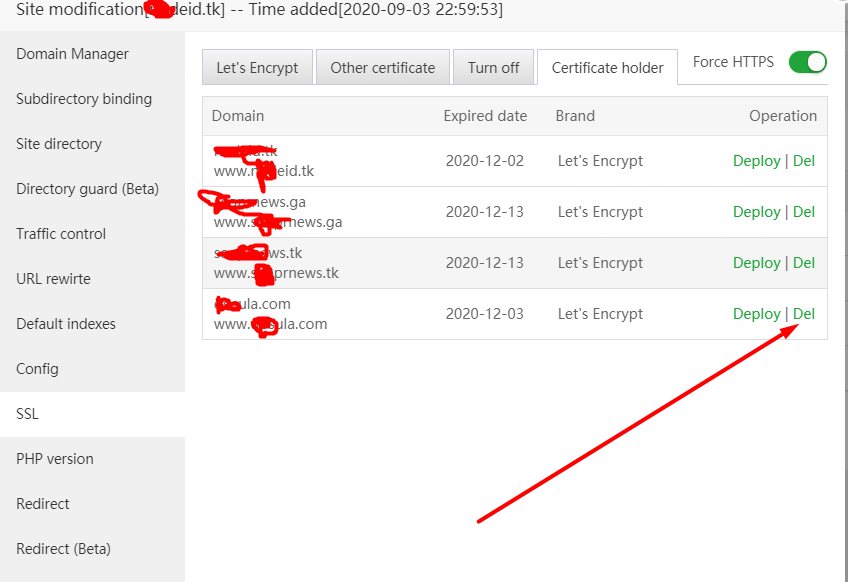
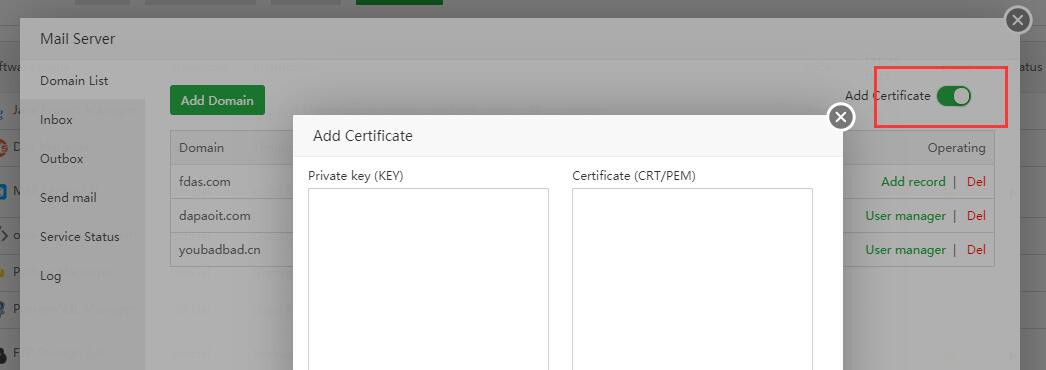
🟢 STEP 4: Install SSL for Mail Subdomain
4
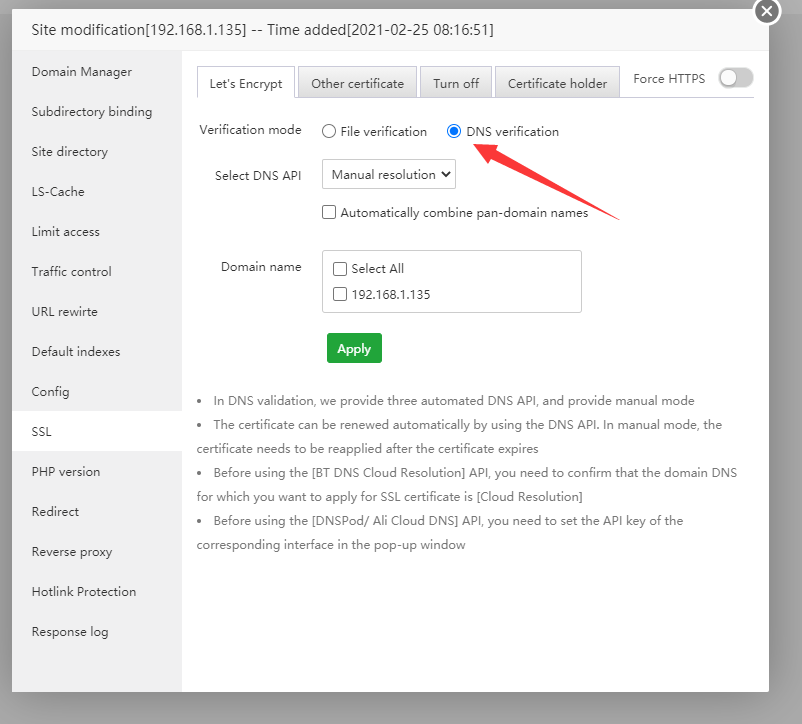
Inside aaPanel:
Add site:
$$
mail.yourdomain.com
$$
Install Let’s Encrypt SSL
Restart mail service
Never use self-signed certificates.
—
🟢 STEP 5: Configure Reverse DNS (PTR Record)
Contact your VPS provider.
Request:
$$
YOUR_SERVER_IP → mail.yourdomain.com
$$
Forward and reverse DNS must match.
Without PTR → Gmail will reject or spam.
—
🟢 STEP 6: Create Mailboxes
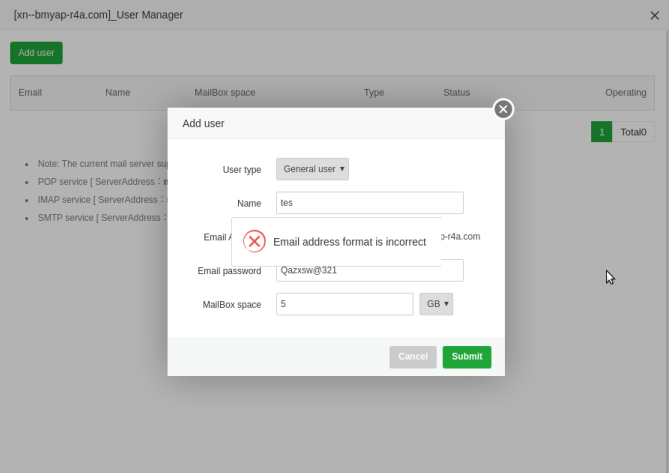
Inside aaPanel → Mail Server:
Add mailbox:
$$
info@yourdomain.com
admin@yourdomain.com
$$
Set secure passwords.
—
🟢 STEP 7: Configure Email Client Settings
IMAP
$$
Server: mail.yourdomain.com
Port: 993
SSL: Yes
$$
SMTP
$$
Server: mail.yourdomain.com
Port: 465
SSL: Yes
Authentication: Required
$$
Never proxy mail through Cloudflare.
—
🟢 STEP 8: Test Gmail Delivery
Send test email to Gmail.
Click:
“Show Original”
Check:
$$
SPF: PASS
DKIM: PASS
DMARC: PASS
$$
If all PASS → setup is correct.
—
🔐 Security Best Practices (2026)
✔ Enable firewall in aaPanel
✔ Limit login attempts
✔ Use strong passwords
✔ Disable open relay
✔ Monitor mail logs
✔ Warm up new IP slowly
—
⚡ Common Problems & Fixes
| Problem | Fix |
|---|
| Gmail rejects email | Add SPF, DKIM, DMARC |
| SSL not valid | Install SSL for mail subdomain |
| SMTP auth failed | Use full email as username |
| Mail not sending | Check port 25 open |
| Emails go to spam | Set PTR record |
—
🚀 Recommended Stable Setup (1GB VPS)
✔ Nginx
✔ PHP 8.1
✔ Redis enabled
✔ MariaDB optimized
✔ Cloudflare protection
✔ Swap enabled
—
Web Development
#aaPanel #MailServer #VPSMail #EmailSetup #SPF #DKIM #DMARC #Cloudflare

