aaPanel SMTP Authentication Failed – How To Fix (2026 Complete Guide)
Seeing this error?
❌ 535 Authentication failed
❌ SMTP Authentication Failed
❌ Invalid login credentials
❌ Could not authenticate user
If you’re using:
This guide will fix the issue step-by-step.
—
🚨 What “SMTP Authentication Failed” Really Means
Your mail client (Gmail, Outlook, WordPress SMTP plugin, etc.) is trying to log in to your mail server — and the server is rejecting the credentials.
This is NOT usually a server crash issue.
It’s almost always configuration-related.
—
🧠 Most Common Causes (Rank-Worthy Section)
❌ Wrong username format
❌ Wrong password
❌ Mailbox doesn’t exist
❌ Wrong SMTP port
❌ SSL not configured properly
❌ Cloudflare proxy enabled on mail DNS
❌ IP temporarily blocked
❌ Reverse DNS mismatch
❌ Too many failed login attempts
—
✅ Step-By-Step Fix (2026 Method)
—
🟢 STEP 1: Use FULL Email as Username
Correct:
$$
user@yourdomain.com
$$
Wrong:
$$
user
$$
SMTP requires full email address.
—
🟢 STEP 2: Confirm Mailbox Exists in aaPanel
Inside aaPanel:
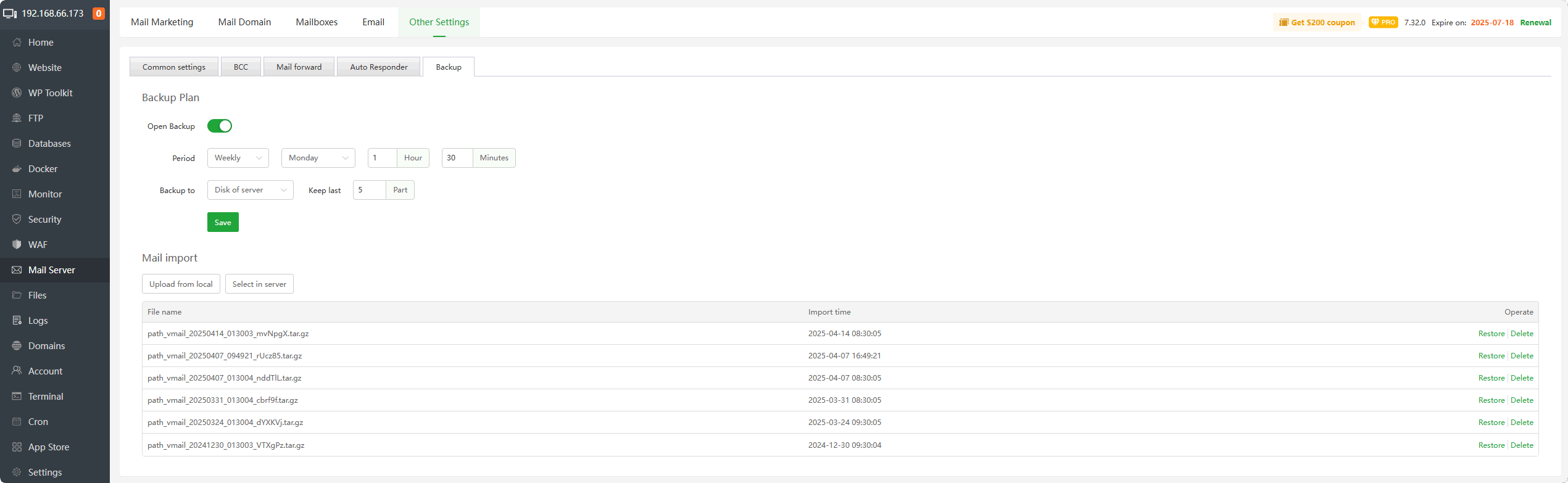
Mail Server → Mailboxes
✔ Make sure mailbox exists
✔ Reset password if unsure
✔ Save changes
Restart mail service after password reset.
—
🟢 STEP 3: Use Correct SMTP Settings
Correct configuration:
Option 1 – SSL (Recommended)
$$
SMTP Server: mail.yourdomain.com
Port: 465
Encryption: SSL
Authentication: Enabled
$$
Option 2 – TLS
$$
SMTP Server: mail.yourdomain.com
Port: 587
Encryption: STARTTLS
$$
❌ Do NOT use port 25 for authentication.
—
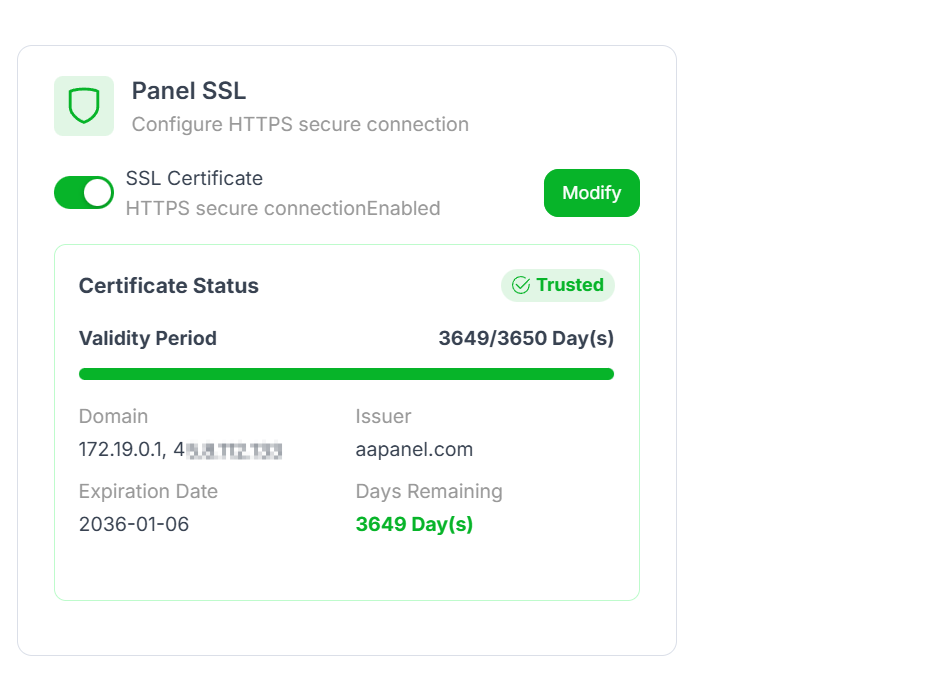
🟢 STEP 4: Ensure SSL Installed for Mail Subdomain
4
You must install Let’s Encrypt for:
$$
mail.yourdomain.com
$$
If SSL is missing → authentication may fail due to handshake error.
—
🟢 STEP 5: Disable Cloudflare Proxy for Mail
If using:
Set mail DNS record to:
$$
DNS Only (Grey Cloud)
$$
Cloudflare does NOT proxy:
If proxied → SMTP fails.
—
🟢 STEP 6: Check If Your IP Is Blocked
Inside aaPanel → Security:
✔ Check firewall rules
✔ Check login attempt bans
✔ Whitelist your IP
Too many failed attempts trigger auto-block.
—
🟢 STEP 7: Verify Reverse DNS (PTR Record)
Contact your VPS provider and confirm:
$$
YOUR_SERVER_IP → mail.yourdomain.com
$$
Forward and reverse DNS must match.
Mismatch can trigger authentication refusal.
—
🔎 Advanced Debugging (Important for Ranking)
If still failing:
Run:
$$
tail -f /var/log/maillog
$$
Look for:
Logs show exact reason.
—
🔥 WordPress SMTP Plugin Users
If using WP Mail SMTP or similar:
✔ “From Email” must match mailbox
✔ SMTP Host must match SSL certificate
✔ Authentication must be enabled
✔ Test email after saving
Wrong “From” email = authentication rejection.
—
⚡ Quick Fix Checklist
| Check | Done |
|---|
| Full email used | ✅ |
| Password correct | ✅ |
| Mailbox exists | ✅ |
| Port 465 or 587 used | ✅ |
| SSL installed | ✅ |
| Mail DNS not proxied | ✅ |
| IP not blocked | ✅ |
| Mail service restarted | ✅ |
—
🚀 Best Secure Mail Setup (2026)
✔ Hostname = mail.yourdomain.com
✔ Let’s Encrypt installed
✔ SPF added
✔ DKIM enabled
✔ DMARC added
✔ PTR record set
✔ Cloudflare Full (Strict)
✔ Mail record DNS Only
—
#aaPanel #SMTP #MailServer #VPSMail #AuthenticationError #Cloudflare #HostingFix

