aaPanel Database Connection Error Fix (MySQL / MariaDB) – 2026 Guide
Seeing this error?
❌ Error establishing a database connection
❌ SQLSTATE[HY000] [2002] Connection refused
❌ Access denied for user
❌ Can’t connect to MySQL server
If you’re using:
This guide will help you fix it step-by-step.
—
🚨 What Causes Database Connection Errors?
This error means:
Your website cannot connect to MySQL/MariaDB.
Common causes:
✔ MySQL/MariaDB service stopped
✔ Wrong database credentials
✔ Database deleted or corrupted
✔ Too many connections
✔ Wrong DB host
✔ Firewall blocking port 3306
✔ Disk full
—
🧠 First: Identify Your Database Engine
Inside aaPanel → App Store:
Are you using:
Both behave similarly for fixes.
—
✅ Step-by-Step Fix (2026 Method)
—
🟢 STEP 1: Check If MySQL/MariaDB Is Running
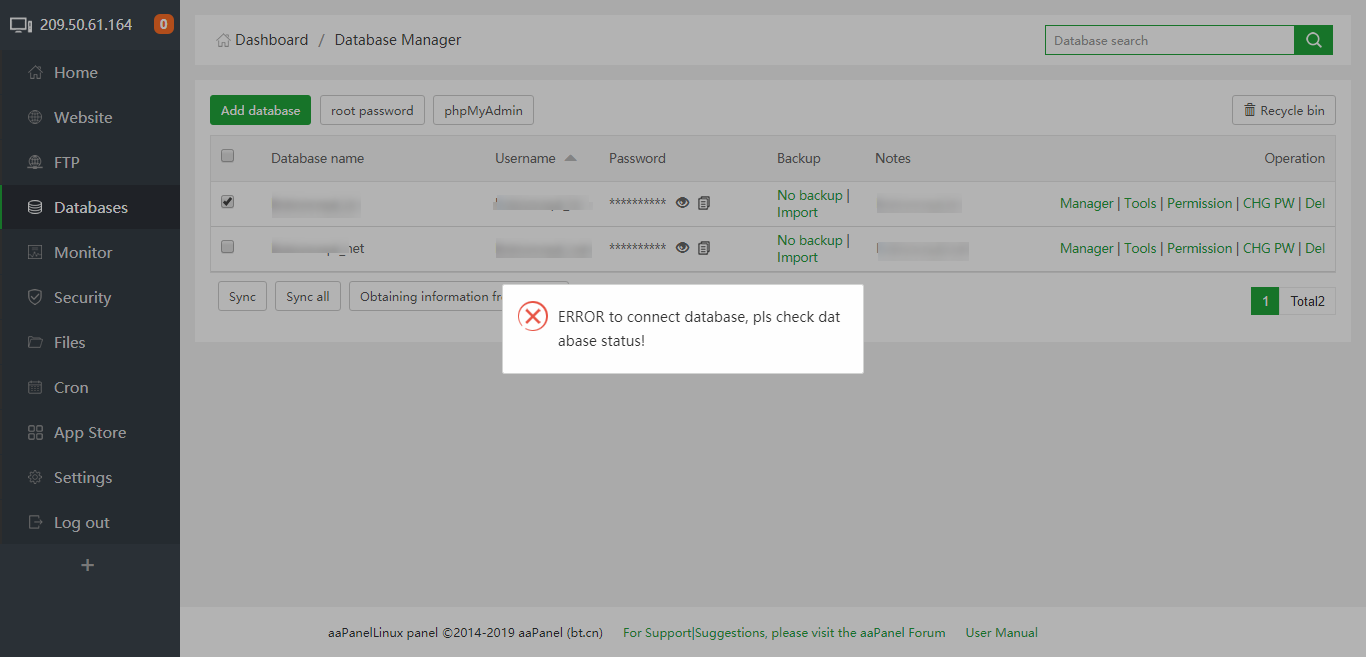
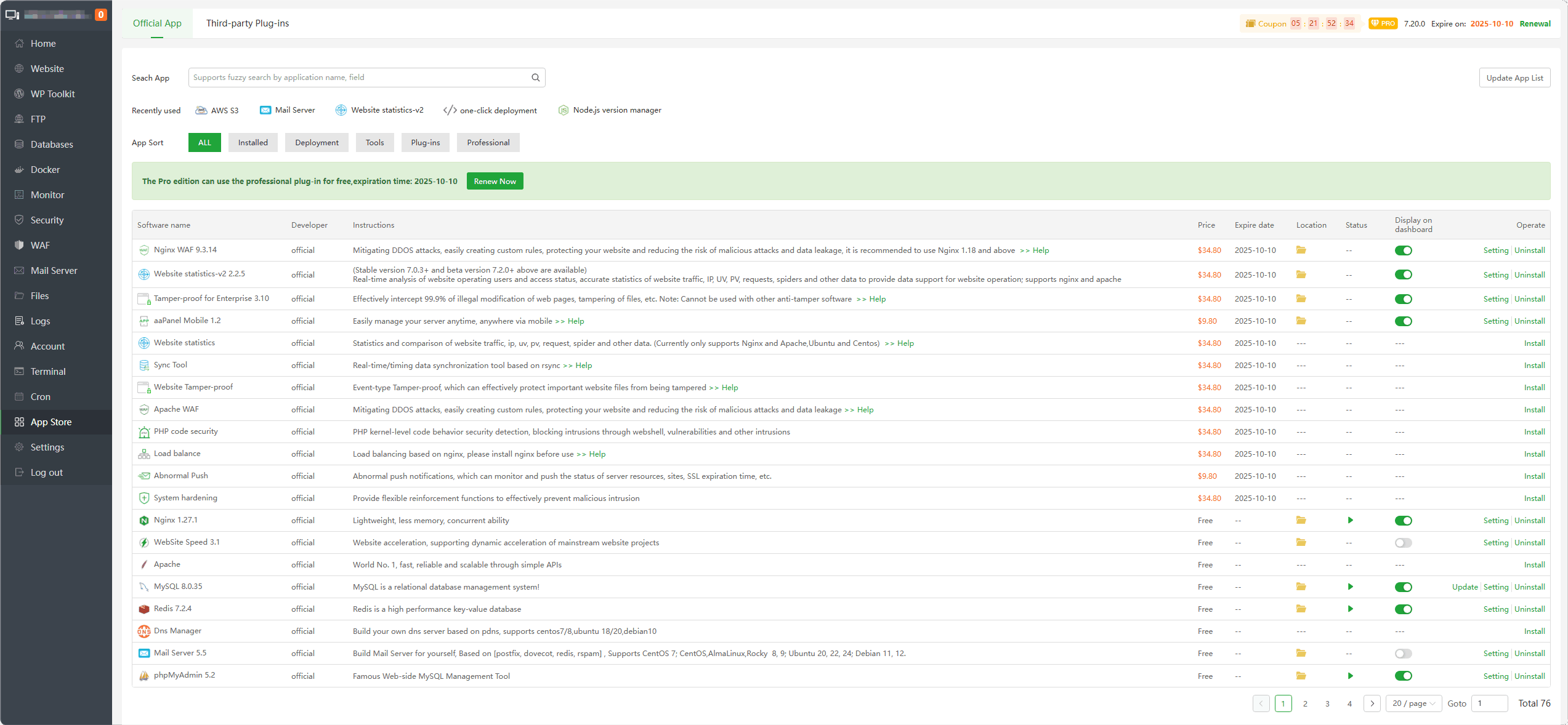
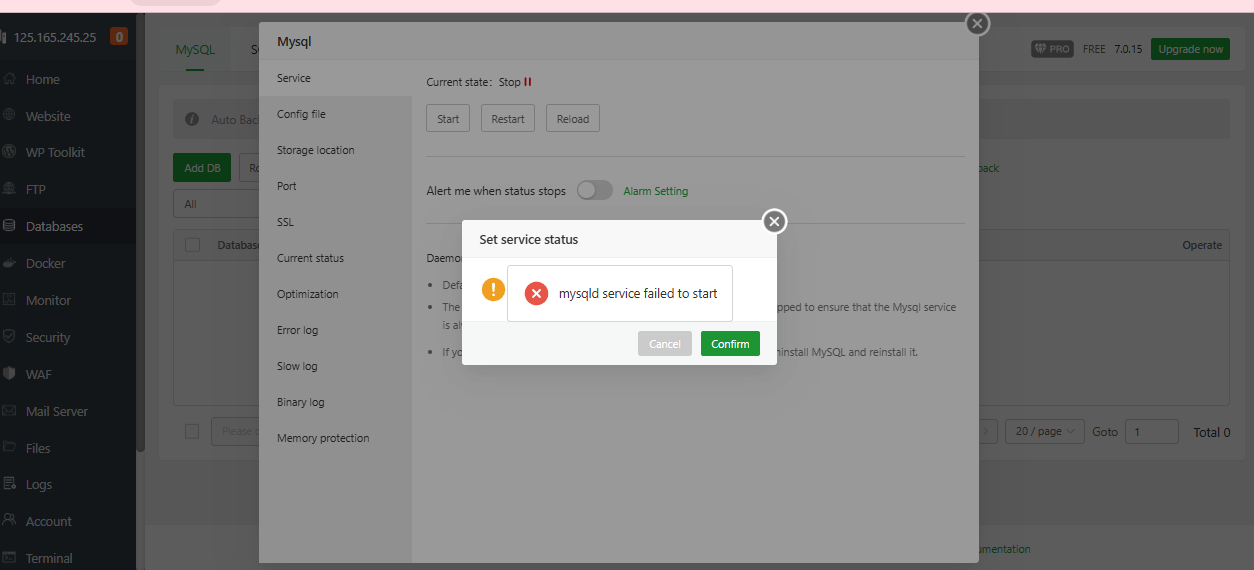
4
Inside aaPanel:
App Store → Database → Check status.
If stopped:
✔ Click Start
✔ Or Restart
Via SSH:
$$
systemctl status mysqld
$$
If inactive → start it.
—
🟢 STEP 2: Verify Database Credentials
Check your website config file.
WordPress:
$$
wp-config.php
$$
Flarum:
$$
config.php
$$
Verify:
$$
DB_NAME
DB_USER
DB_PASSWORD
DB_HOST
$$
Inside aaPanel → Database:
Confirm username and password match exactly.
If unsure:
✔ Reset DB user password
✔ Update config file
—
🟢 STEP 3: Check Database Exists
Inside aaPanel → Database:
Make sure:
✔ Database exists
✔ DB user has privileges
If missing → recreate database.
—
🟢 STEP 4: Check DB Host
Usually:
$$
localhost
$$
If using:
$$
127.0.0.1
$$
Try switching to:
$$
localhost
$$
Sometimes socket issues cause connection failure.
—
🟢 STEP 5: Check for Too Many Connections
Error example:
$$
Too many connections
$$
Fix by increasing:
Inside MySQL config:
$$
max_connections = 50
$$
Restart database service.
—
🟢 STEP 6: Check Disk Space (Very Important)
Run:
$$
df -h
$$
If disk is full → MySQL stops working.
Clean:
✔ Logs
✔ Old backups
✔ Temp files
Restart MySQL after freeing space.
—
🟢 STEP 7: Repair Corrupted Tables
If corruption suspected:
Run:
$$
mysqlcheck -r -u root -p –all-databases
$$
Or inside phpMyAdmin → Repair tables.
—
🟢 STEP 8: Check Firewall (If Remote DB)
If connecting from external server:
Ensure port:
$$
3306
$$
Is open in firewall.
Inside aaPanel → Security → Open port 3306.
—
🔥 Common WordPress-Specific Fix
If WordPress shows:
Error establishing a database connection
Often:
✔ DB password changed
✔ MySQL crashed
✔ Table corruption
Restart MySQL first — it solves many cases instantly.
—
⚡ Quick Fix Checklist
| Check | Done |
|---|
| Database service running | ✅ |
| Credentials correct | ✅ |
| Database exists | ✅ |
| DB user privileges OK | ✅ |
| Disk space available | ✅ |
| max_connections optimized | ✅ |
| Tables repaired | ✅ |
| Firewall checked | ✅ |
—
🚀 Best Practice Setup (Stable 2026 Configuration)
✔ Use MariaDB (lighter than MySQL)
✔ Set max_connections properly
✔ Enable slow query log
✔ Optimize indexes
✔ Enable Redis caching
✔ Monitor CPU usage
—
#aaPanel #MySQL #MariaDB #DatabaseError #VPSFix #ServerTroubleshooting #WebHosting

