🔥 aaPanel 500 Internal Server Error – Complete Fix (Apache + Nginx)
Seeing this error?
500 Internal Server Error
The server encountered an internal error…
If you’re using:
This guide will help you fix it whether you’re running Apache or Nginx.
—
🚨 What Causes 500 Error in aaPanel?
The 500 error is a server-side failure. Most common causes:
✔ Wrong file permissions
✔ PHP version mismatch
✔ Corrupted .htaccess
✔ Memory exhaustion
✔ Database connection failure
✔ Nginx config error
✔ Apache rewrite conflict
✔ Disk full
—
🧠 Step 1: Identify Your Web Server
Inside aaPanel → App Store
Are you running:
Fix steps differ slightly.
—
✅ Universal Fixes (Works for Both Apache + Nginx)
—
🟢 1. Fix File & Folder Permissions (Most Common)
Set:
$$
Folders: 755
Files: 644
$$
In aaPanel File Manager → Set recursively.
Wrong permissions = instant 500 error.
—
🟢 2. Check PHP Version
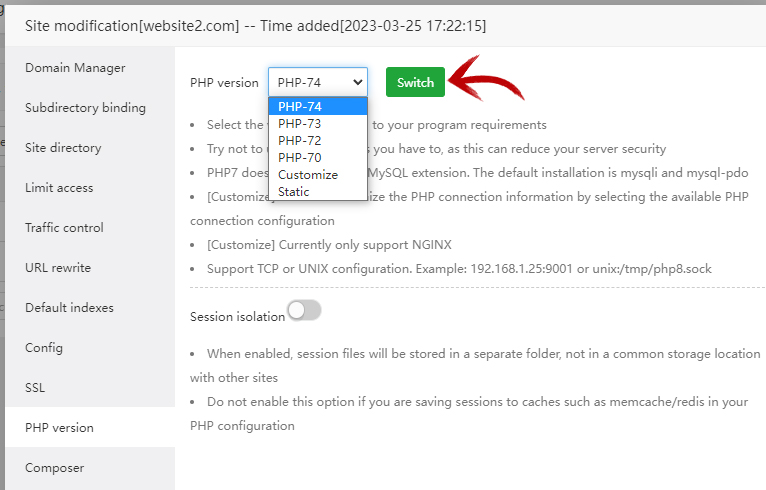
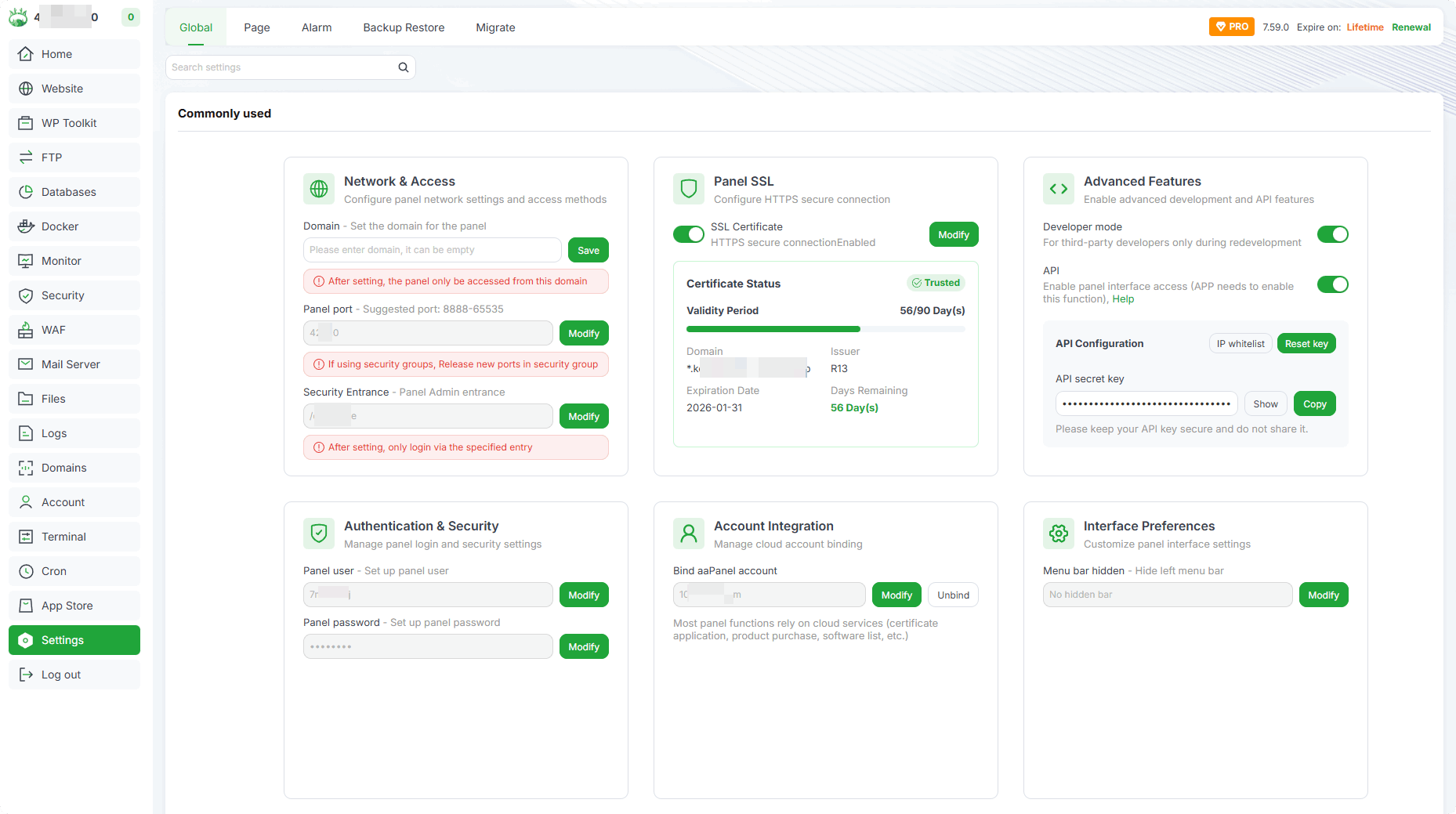
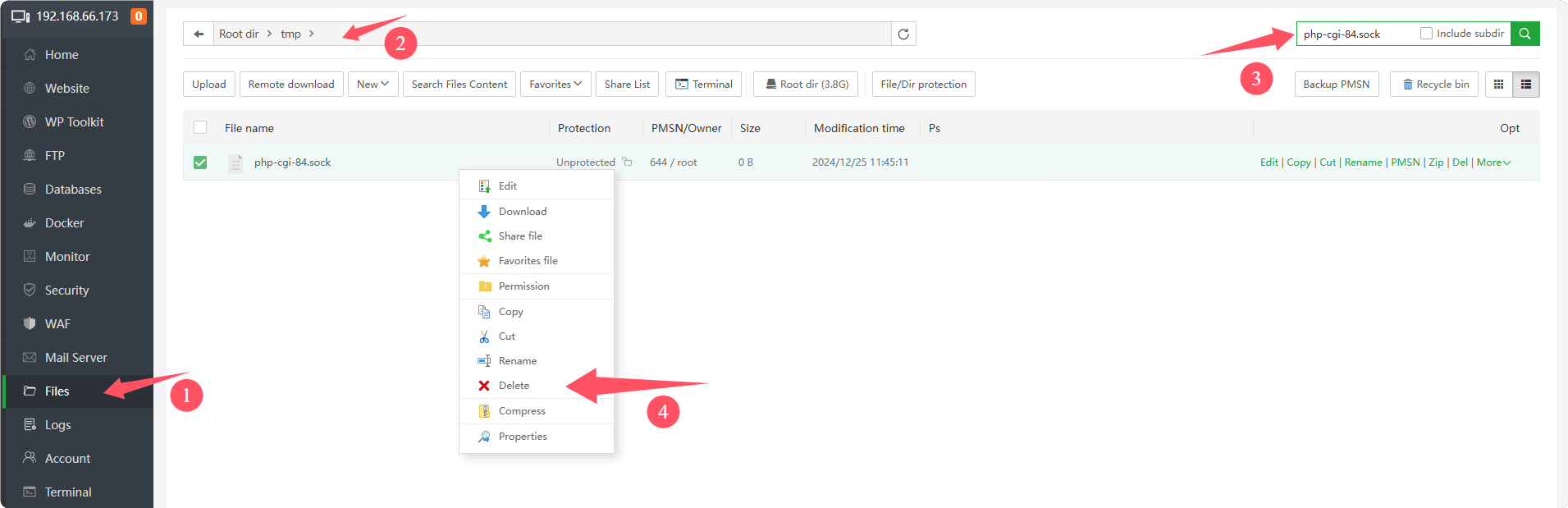
4
Inside aaPanel:
Website → Settings → PHP Version
Ensure your site matches required version (e.g., PHP 8.1).
Restart PHP after change.
—
🟢 3. Increase PHP Limits
Edit PHP config:
$$
memory_limit = 256M
max_execution_time = 300
$$
Low memory often triggers fatal error → 500.
—
🟢 4. Check Website Error Logs (Very Important)
Inside aaPanel:
Website → Logs
Or check manually:
$$
/www/wwwlogs/yourdomain.com.log
$$
Logs will reveal the real error.
—
🔵 Apache-Specific Fixes
—
🟢 5. Check .htaccess File
Rename:
$$
.htaccess → .htaccess_backup
$$
Reload website.
If it loads → .htaccess contains invalid rewrite rules.
Common problematic rule:
$$
RewriteCond %{HTTPS} off
RewriteRule ^ https://%{HTTP_HOST}%{REQUEST_URI}
$$
Duplicate redirects can break Apache.
—
🟢 6. Enable Required PHP Extensions
Some CMS require:
mbstring
mysqli
curl
openssl
Enable inside aaPanel → PHP Extensions.
—
🟢 Nginx-Specific Fixes
—
🟢 7. Check Nginx Config
Inside aaPanel:
Website → Config
Ensure you have:
$$
index index.php index.html index.htm;
$$
And valid PHP location block:
$$
location ~ .php$ {
fastcgi_pass unix:/tmp/php-cgi-81.sock;
include fastcgi_params;
}
$$
Wrong fastcgi socket = 500 error.
Restart Nginx after edits.
—
🟢 8. Check PHP-FPM Running
Sometimes PHP-FPM crashes.
Restart inside aaPanel:
✔ PHP
✔ Nginx
If PHP-FPM not running → 500 appears.
—
🟢 9. Check Database Connection
If using WordPress or CMS:
Open config file:
$$
wp-config.php
$$
Verify:
$$
DB_NAME
DB_USER
DB_PASSWORD
DB_HOST
$$
Database errors often trigger 500 instead of 404.
—
🟢 10. Check Disk Space
Run:
$$
df -h
$$
If disk full → server cannot write logs → 500 error.
Delete old backups and logs if necessary.
—
🔥 Special Case: After Enabling Cloudflare
If error started after enabling:
Check:
✔ SSL mode = Full (Strict)
✔ No Flexible mode
✔ No conflicting redirect rules
—
⚡ Quick Fix Checklist
| Check | Status |
|---|
| Permissions 755/644 | ✅ |
| Correct PHP version | ✅ |
| Memory limit raised | ✅ |
| .htaccess checked | ✅ |
| Nginx config valid | ✅ |
| PHP-FPM running | ✅ |
| Database verified | ✅ |
| Disk space OK | ✅ |
—
🚀 Best Stable aaPanel Stack (2026)
✔ Nginx
✔ PHP 8.1
✔ OPcache enabled
✔ Redis enabled
✔ MariaDB optimized
✔ Swap enabled
—
#aaPanel #500Error #Apache #Nginx #VPSFix #WebHosting #ServerError

