Running a 1GB VPS?
If you’re using:
You MUST optimize it correctly — or your server will:
❌ Freeze
❌ Hit 100% CPU
❌ Crash during traffic spikes
❌ Show 502 / 500 errors
This guide gives you the exact stable setup for 2026.
—
🧠 Why 1GB VPS Needs Special Optimization
1GB RAM is very limited.
Without optimization:
Apache consumes too much memory
PHP spawns too many workers
MySQL over-allocates buffers
No swap → instant crash
Goal:
✔ Keep memory usage under 700MB
✔ Keep CPU under 50% idle
✔ Avoid swap overuse
—
✅ Recommended Stack (2026 Best Setup)
| Component | Recommended |
|---|
| Web Server | Nginx |
| PHP | 8.1 |
| Database | MariaDB |
| Cache | OPcache + Redis |
| Swap | 1GB |
| SSL | Let’s Encrypt |
| CDN | Cloudflare |
—
🟢 STEP 1: Use Nginx (Not Apache)
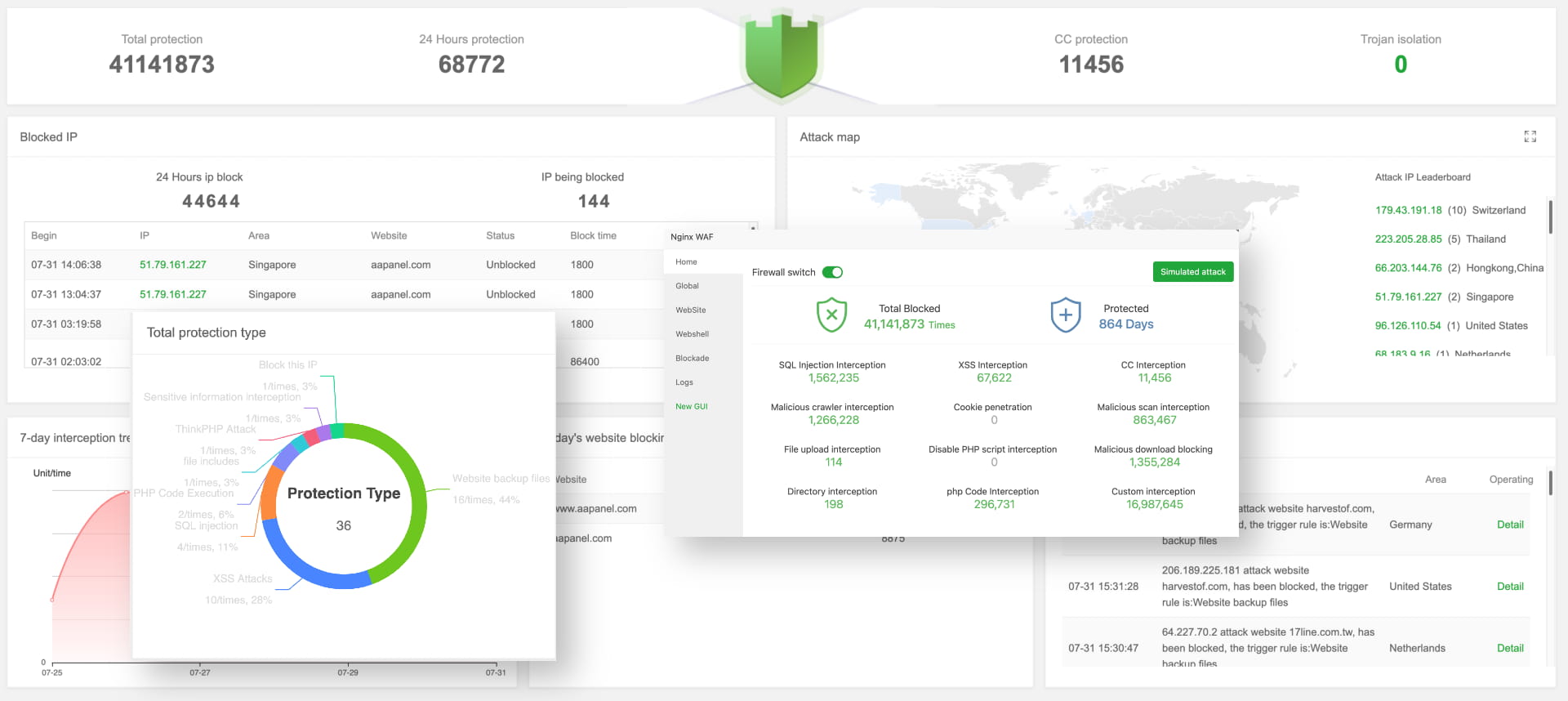
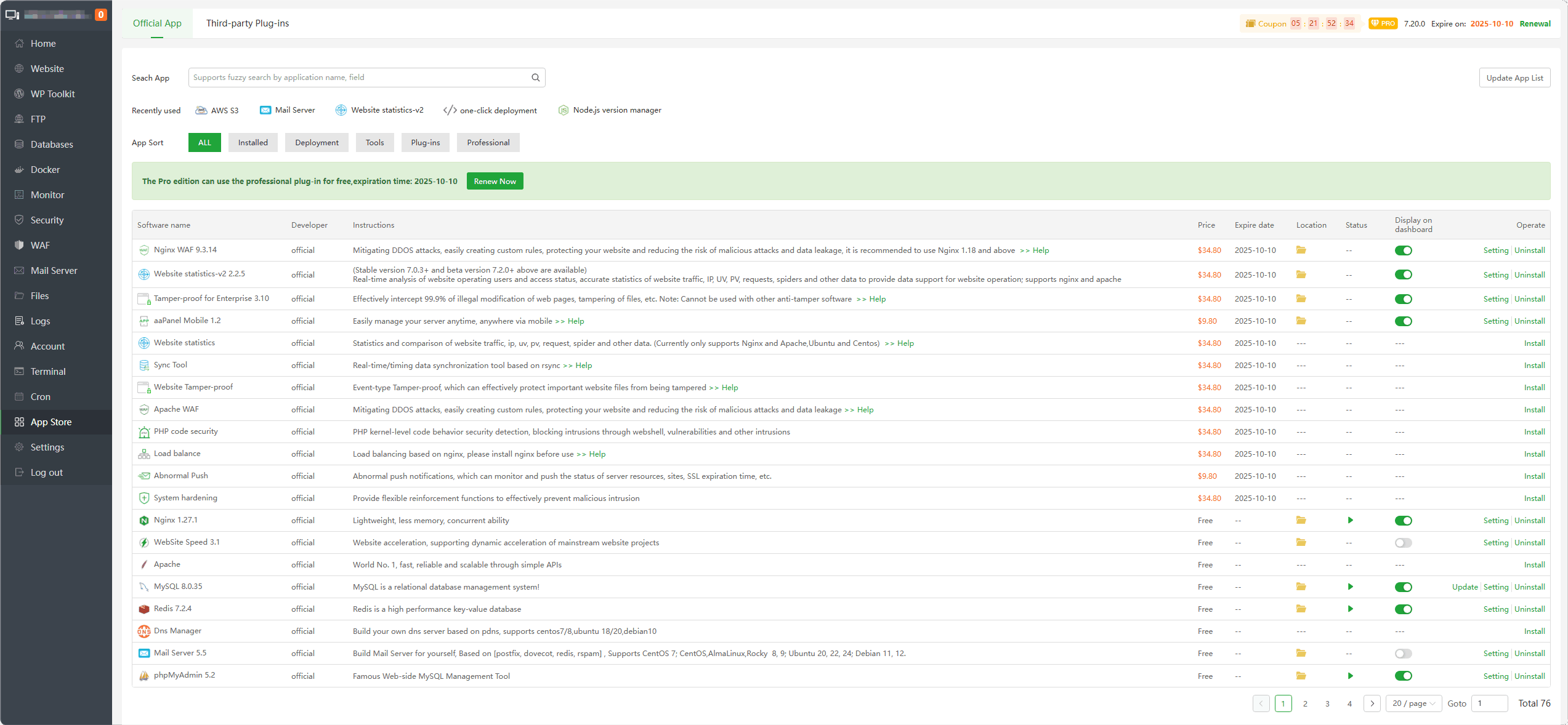
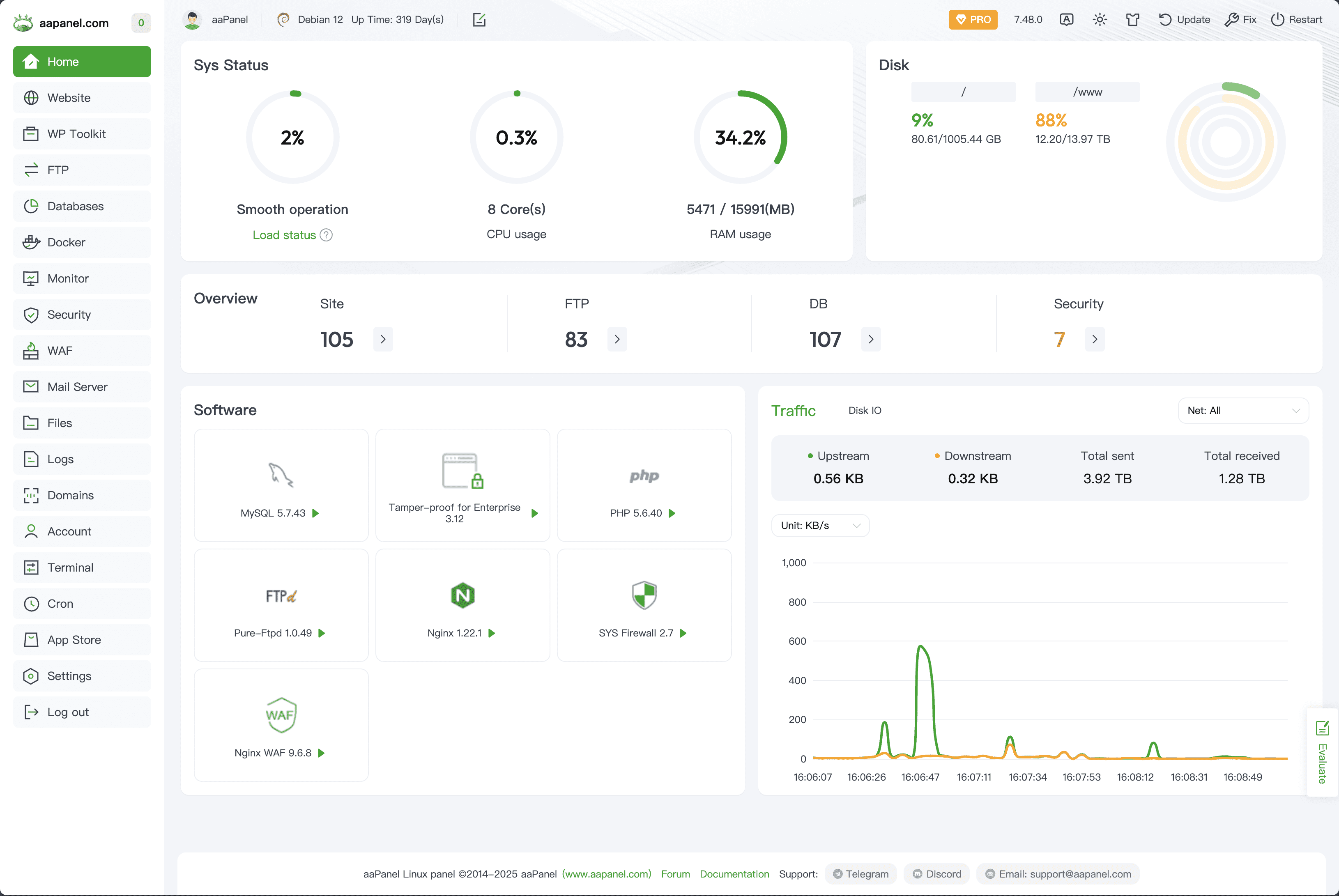
4
Apache is heavy for 1GB.
Inside aaPanel:
App Store → Install Nginx
Disable Apache.
This alone reduces RAM usage dramatically.
—
🟢 STEP 2: Optimize PHP-FPM
Inside aaPanel → PHP Settings:
Recommended for 1GB:
$$
pm = dynamic
pm.max_children = 8
pm.start_servers = 2
pm.min_spare_servers = 2
pm.max_spare_servers = 4
$$
Reduce memory limit:
$$
memory_limit = 256M
$$
Restart PHP after change.
—
🟢 STEP 3: Enable OPcache (Huge Boost)
Inside PHP Extensions:
Enable:
✔ OPcache
This reduces CPU usage and speeds up PHP execution.
—
🟢 STEP 4: Install & Enable Redis
Redis reduces database load significantly.
Install Redis in aaPanel → App Store.
If using WordPress:
Enable Redis object cache plugin.
This prevents constant database hits.
—
🟢 STEP 5: Optimize MariaDB
Inside Database → Config:
Lower buffers:
$$
innodb_buffer_pool_size = 128M
key_buffer_size = 32M
max_connections = 30
$$
Too high values cause memory exhaustion.
—
🟢 STEP 6: Create Swap (Very Important)
Without swap → server crashes when RAM full.
Create 1GB swap:
$$
fallocate -l 1G /swapfile
chmod 600 /swapfile
mkswap /swapfile
swapon /swapfile
$$
Make persistent in /etc/fstab.
Swap prevents sudden crashes.
—
🟢 STEP 7: Enable Gzip Compression (Nginx)
In Nginx config:
$$
gzip on;
gzip_types text/plain text/css application/json application/javascript;
$$
Reduces CPU load and speeds up response.
—
🟢 STEP 8: Limit Cron Jobs
Inside aaPanel → Cron:
Avoid:
$$
Every minute
$$
Use:
$$
Every 5–10 minutes
$$
Too frequent cron spikes CPU.
—
🟢 STEP 9: Protect Against Bots
Enable:
✔ Rate limiting in Nginx
✔ Firewall in aaPanel
✔ Protection in Cloudflare
Bots destroy 1GB VPS quickly.
—
🔥 Ideal Idle Resource Usage (Target)
After optimization:
✔ RAM idle: 400–600MB
✔ CPU idle: below 20%
✔ Load average < 1.0
If constantly higher → something misconfigured.
—
⚡ Quick Optimization Checklist
| Setting | Done |
|---|
| Nginx installed | ✅ |
| Apache disabled | ✅ |
| PHP max_children reduced | ✅ |
| OPcache enabled | ✅ |
| Redis enabled | ✅ |
| MariaDB optimized | ✅ |
| Swap created | ✅ |
| Cron reduced | ✅ |
| Cloudflare enabled | ✅ |
—
🚀 When 1GB Is Not Enough
Upgrade to 2GB if:
✔ Running multiple heavy websites
✔ High traffic
✔ WooCommerce store
✔ Large database
1GB is good for:
✔ Blog
✔ Forum
✔ Small business site
✔ Landing page
—
#aaPanel #1GBVPS #VPSOptimization #ServerPerformance #Nginx #Cloudflare #WebHosting

