Are your emails:
❌ Not arriving in Gmail
❌ Going to spam
❌ Bouncing back
❌ Showing “Message rejected”
If you’re using:
This guide will fix your mail delivery properly.
—
🚨 Why Gmail Blocks VPS Emails
Gmail is extremely strict.
Common causes:
❌ Missing SPF record
❌ Missing DKIM
❌ No DMARC policy
❌ No Reverse DNS (PTR)
❌ Port 25 blocked by VPS provider
❌ Server IP blacklisted
❌ Using server IP instead of hostname
—
🧠 How Gmail Evaluates Your Email
When you send mail:
Gmail checks IP reputation
Gmail checks SPF
Gmail checks DKIM signature
Gmail checks PTR record
Gmail checks DMARC policy
If one fails → spam or rejection.
—
✅ Step-by-Step FIX (2026 Method)
—
🟢 STEP 1: Check If Port 25 Is Blocked
Many VPS providers block outbound port 25 by default.
Test:
$$
telnet gmail-smtp-in.l.google.com 25
$$
If connection fails → contact VPS provider and request port 25 unlock.
Without port 25 open → Gmail delivery will fail.
—
🟢 STEP 2: Set Proper Mail Hostname
Your server hostname must be:
$$
mail.yourdomain.com
$$
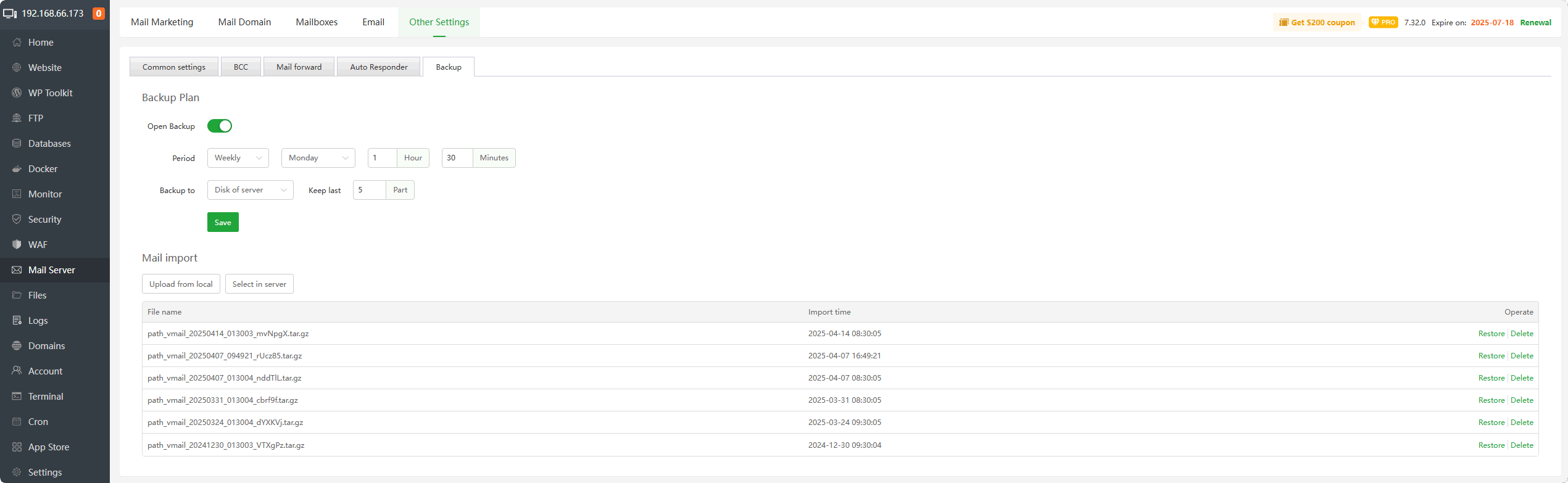
Inside aaPanel → Mail Server → Hostname.
Restart mail service after change.
—
🟢 STEP 3: Add Required DNS Records
Add these in your DNS provider (Cloudflare or domain DNS):
✔ SPF Record
$$
Type: TXT
Name: @
Value:
v=spf1 mx a ip4:YOUR_SERVER_IP all
$$
—
✔ DKIM
Enable DKIM inside aaPanel mail settings.
Then add the generated TXT record in DNS.
—
✔ DMARC
$$
Type: TXT
Name: _dmarc
Value:
v=DMARC1; p=none; rua=mailto:postmaster@yourdomain.com
$$
—
🟢 STEP 4: Configure Reverse DNS (PTR Record)
This is critical.
Contact your VPS provider and set:
$$
YOUR_SERVER_IP → mail.yourdomain.com
$$
Then confirm:
Forward DNS:
$$
mail.yourdomain.com → YOUR_SERVER_IP
$$
Both must match.
Without PTR → Gmail distrusts your server.
—
🟢 STEP 5: Install SSL For Mail Subdomain
4
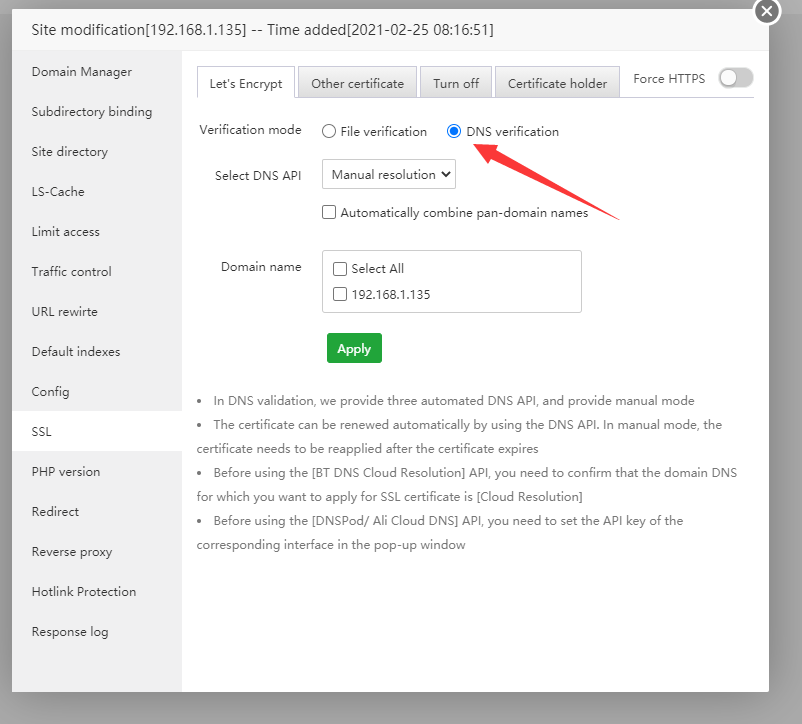
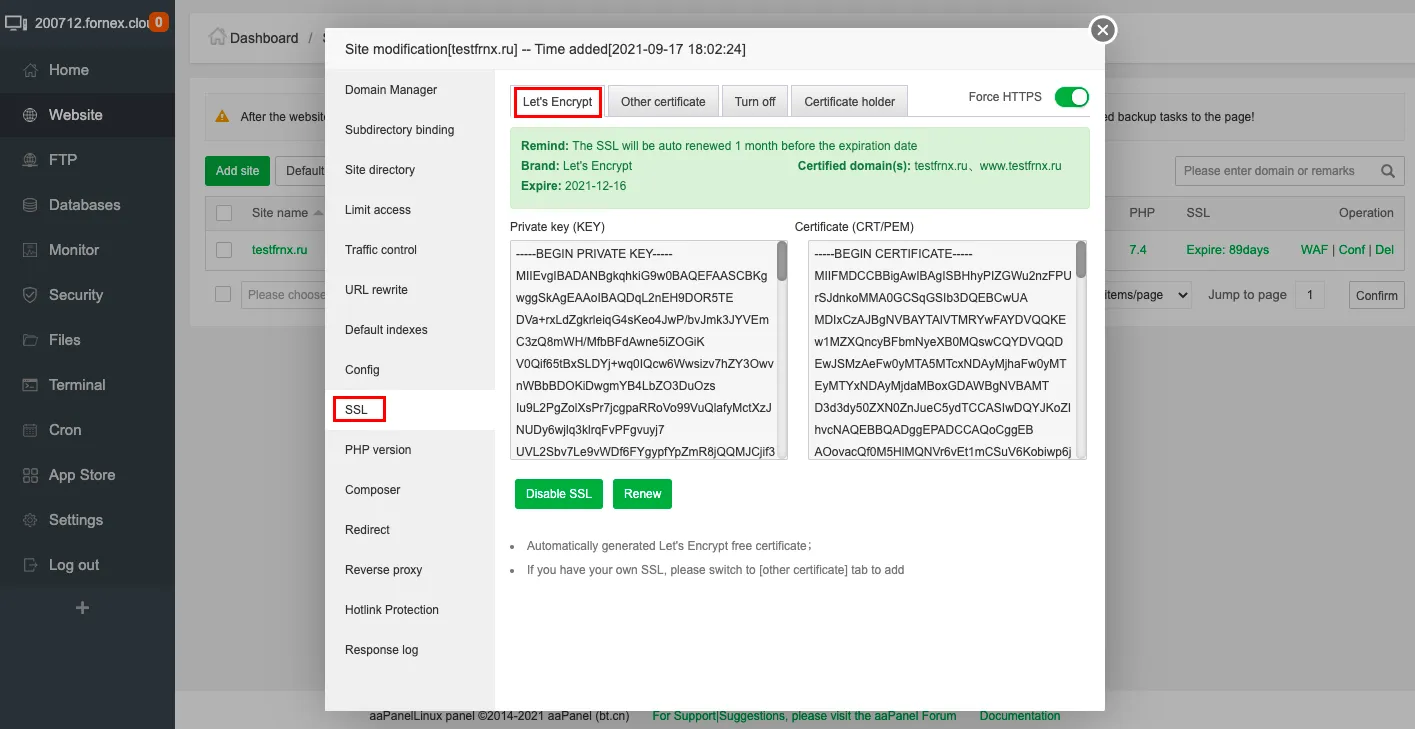
Inside aaPanel:
Create site:
$$
mail.yourdomain.com
$$
Install Let’s Encrypt SSL
Restart mail service
Use these Gmail settings:
IMAP
SMTP
—
🔎 STEP 6: Check If IP Is Blacklisted
Use blacklist check tools.
If blacklisted:
✔ Request delisting
✔ Or use SMTP relay service
—
🔥 Advanced Fix (If Still Not Working)
If your VPS IP reputation is poor, consider:
✔ Using external SMTP relay (e.g. Amazon SES, SendGrid)
✔ Sending via authenticated relay
✔ Warming up your IP slowly
—
⚡ Quick Fix Checklist
| Item | Status |
|---|
| Port 25 Open | ✅ |
| SPF Added | ✅ |
| DKIM Enabled | ✅ |
| DMARC Added | ✅ |
| PTR Record Set | ✅ |
| Mail SSL Installed | ✅ |
| Cloudflare SSL | Full (Strict) |
—
🚀 Best Practice Setup (2026 Recommended)
✔ Use proper mail hostname
✔ Install SSL on mail subdomain
✔ Configure reverse DNS
✔ Enable DKIM
✔ Use Nginx (lighter stack)
✔ Avoid Flexible SSL in Cloudflare
—
#aaPanel #MailServer #GmailFix #VPS #EmailDelivery #Cloudflare #HostingHelp

