Are you getting this error when setting up email in Gmail?
❌ “Certificate not valid”
❌ “SSL certificate error”
❌ “Server identity cannot be verified”
If you’re using:
This guide will fix it step-by-step.
—
🚨 Why Gmail Shows “Certificate Not Valid”
Gmail shows this error when:
✔ Your mail server uses a self-signed SSL certificate
✔ The SSL does not match your mail hostname
✔ Reverse DNS (PTR) is missing
✔ Port configuration is wrong
✔ You installed SSL only for the website — not for mail
Most VPS users miss one of these.
—
🧠 Understanding The Root Cause
Example:
You configure Gmail with:
$$
Incoming: mail.yourdomain.com
Outgoing: mail.yourdomain.com
$$
But:
Result:
🔐 Certificate mismatch → Gmail blocks connection.
—
✅ Step-by-Step FIX (2026 Method)
—
🟢 STEP 1: Create Proper Mail A Record
In your DNS (Cloudflare or VPS DNS):
Add:
$$
Type: A
Name: mail
Value: YOUR_SERVER_IP
$$
Now:
$$
mail.yourdomain.com → Points to your VPS
$$
—
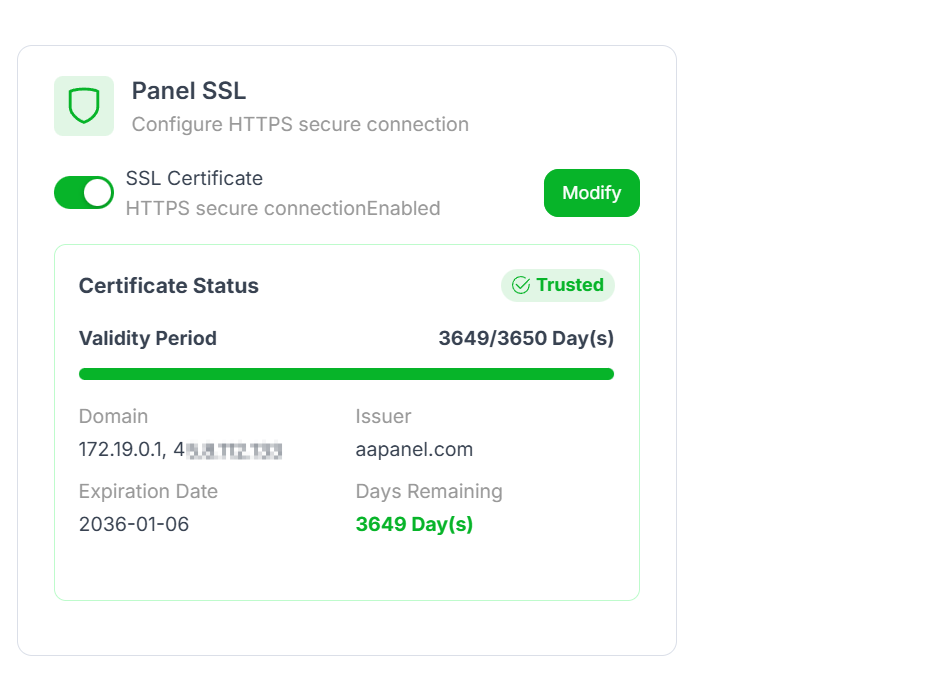
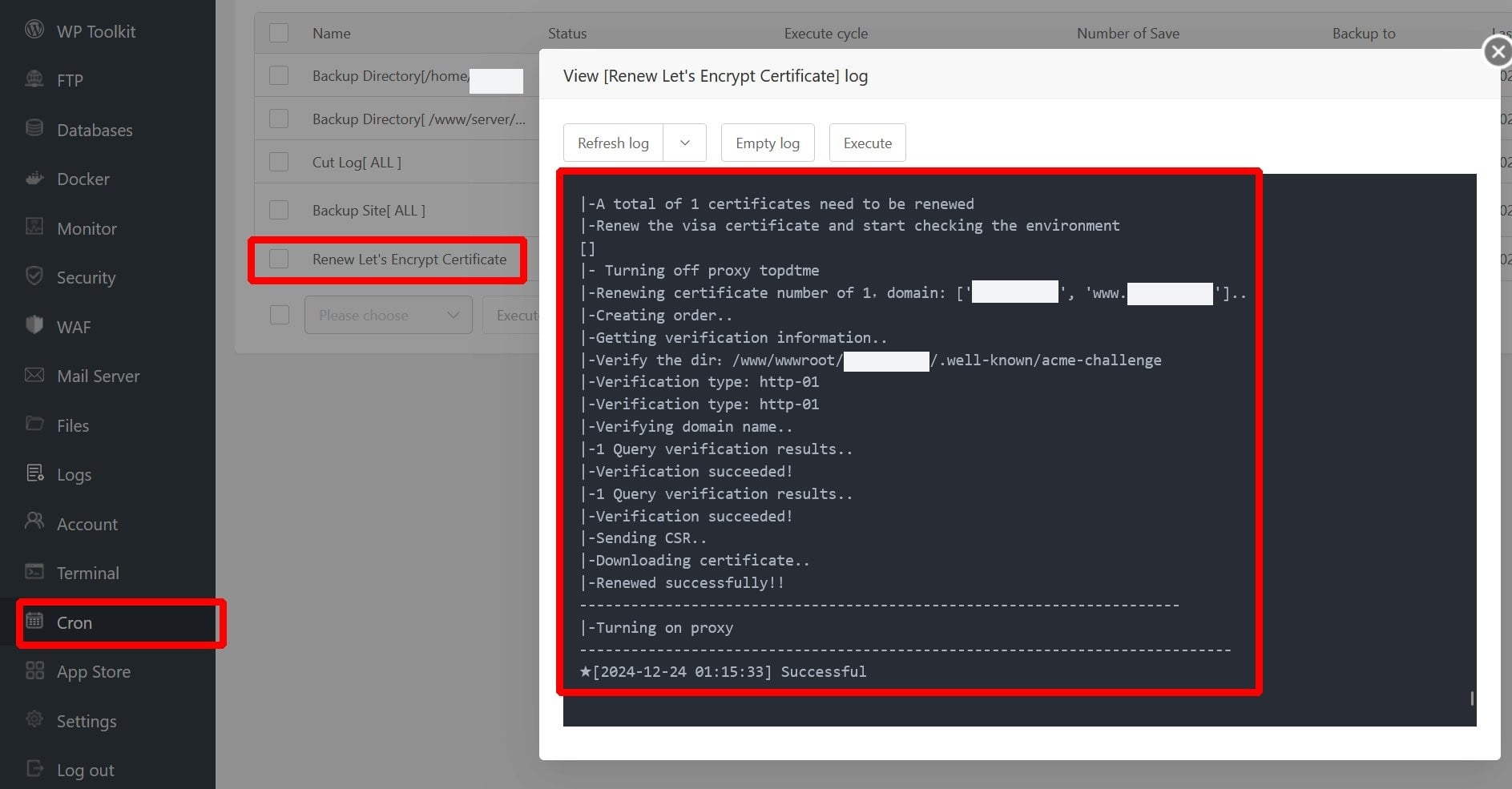
🟢 STEP 2: Install SSL for mail.yourdomain.com
4
Inside aaPanel:
Go to Website
Add new site:
$$
mail.yourdomain.com
$$
Go to SSL
Install Let’s Encrypt certificate
Wait for verification
Now your mail subdomain has valid SSL.
—
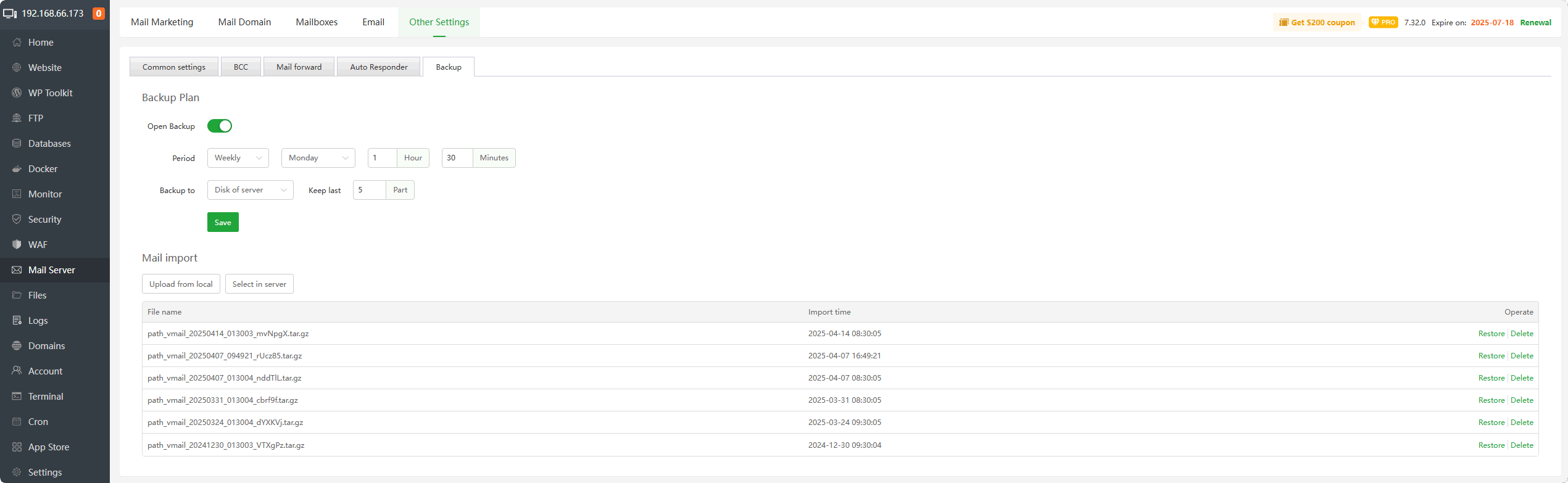
🟢 STEP 3: Configure Mail Server Hostname
Inside aaPanel Mail Server settings:
Set hostname to:
$$
mail.yourdomain.com
$$
Restart mail service.
—
🟢 STEP 4: Use Correct Gmail Settings
When adding account in Gmail:
IMAP:
$$
Server: mail.yourdomain.com
Port: 993
SSL: Yes
$$
SMTP:
$$
Server: mail.yourdomain.com
Port: 465
SSL: Yes
$$
Do NOT use:
—
🔎 STEP 5: Check Reverse DNS (VERY IMPORTANT)
Many VPS providers require PTR record setup.
Ask your VPS provider to set:
$$
YOUR_SERVER_IP → mail.yourdomain.com
$$
Without PTR:
Gmail may reject or warn about SSL.
—
🔐 STEP 6: Configure SPF, DKIM & DMARC
Add these DNS records:
SPF
$$
v=spf1 mx a ip4:YOUR_SERVER_IP all
$$
DKIM
Enable inside aaPanel mail settings.
DMARC
$$
v=DMARC1; p=none; rua=mailto:postmaster@yourdomain.com
$$
This improves Gmail trust.
—
⚠ Common Mistakes
❌ Using Flexible SSL in Cloudflare
❌ Installing SSL only for main domain
❌ Not setting mail A record
❌ Missing PTR record
❌ Using server IP instead of hostname
—
🔥 Quick Fix Checklist
| Setting | Correct Value |
|---|
| Mail A record | Exists |
| SSL installed for mail subdomain | ✅ |
| Gmail IMAP port | 993 |
| Gmail SMTP port | 465 |
| PTR record | Configured |
| Cloudflare SSL | Full (Strict) |
—
🎯 Best Secure Setup (2026 Recommended)
✔ Use Full (Strict) SSL in Cloudflare
✔ Install Let’s Encrypt for both:
—
#aaPanel #GmailSetup #VPS #MailServer #SSLError #Cloudflare #HostingFix

