If your website shows:
…after connecting Cloudflare to your aaPanel server — don’t panic.
This is one of the most common SSL misconfiguration issues between:
And it’s 100% fixable.
—
🚨 What Causes ERR_TOO_MANY_REDIRECTS?
This error happens when:
🔁 Your server keeps redirecting between HTTP and HTTPS
🔁 Cloudflare forces HTTPS
🔁 aaPanel also forces HTTPS
🔁 SSL modes mismatch
Result: Infinite redirect loop.
—
🧠 How The Loop Happens (Simple Explanation)
Example:
Visitor goes to http://yourdomain.com
Cloudflare forces HTTPS
aaPanel forces another redirect
Cloudflare re-checks SSL mode
Loop continues forever
—
✅ Step-by-Step FIX (2026 Method)
—
🟢 STEP 1: Set Correct Cloudflare SSL Mode


4
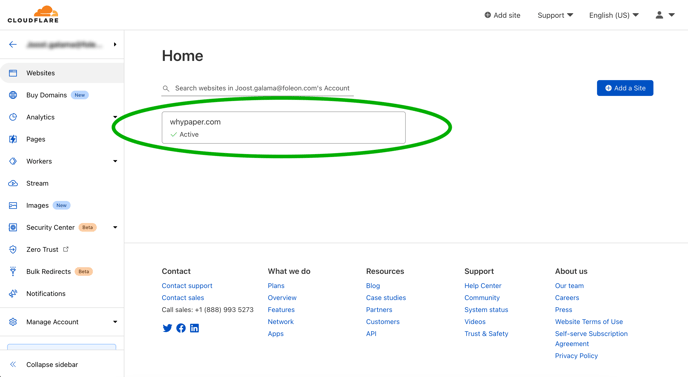
Go to Cloudflare → SSL/TLS
Set to:
✅ Full (Strict)
⚠ Do NOT use:
Flexible (causes loops)
Off
Full (Strict) requires a valid SSL installed on your server.
—
🟢 STEP 2: Install SSL in aaPanel
4
Inside aaPanel:
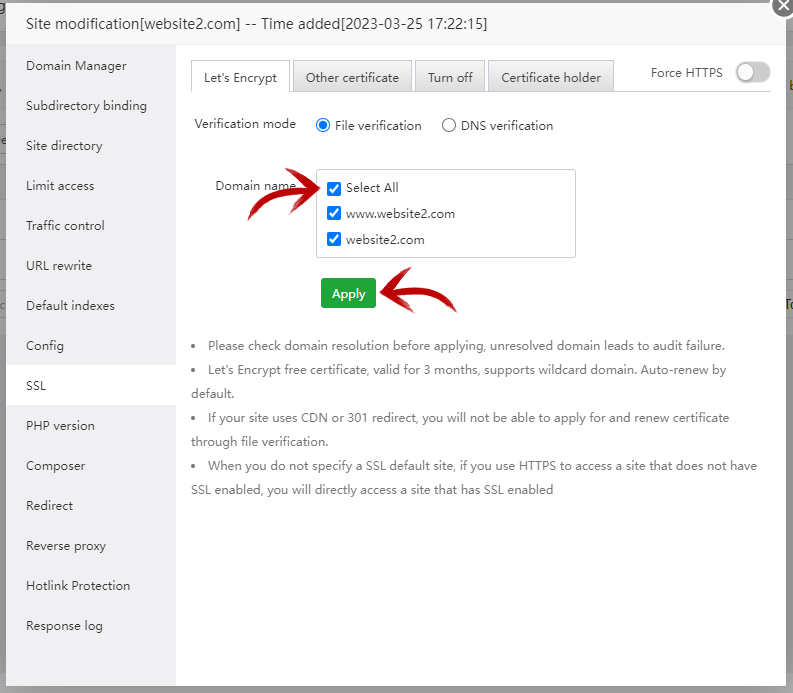
Go to Website
Click your domain
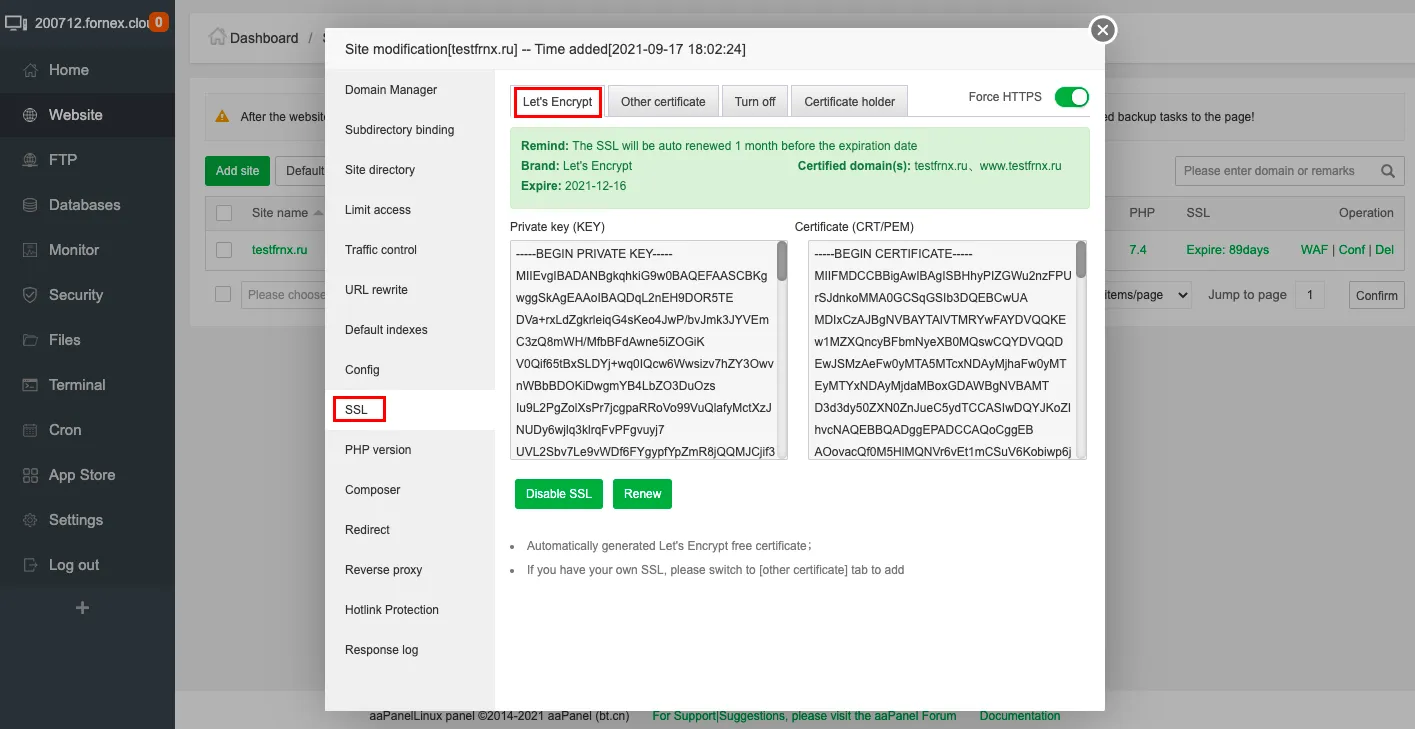
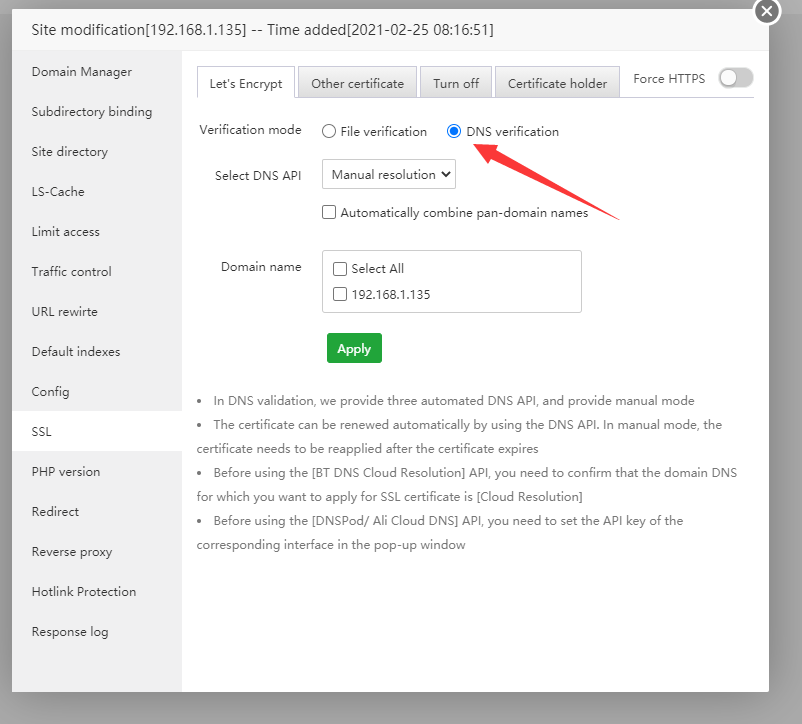
Go to SSL
Install Let’s Encrypt certificate
Enable HTTPS
Now your server supports secure connection properly.
—
🟢 STEP 3: Disable Duplicate Force HTTPS
Check BOTH places:
✔ Cloudflare → Edge Certificates → Always Use HTTPS
✔ aaPanel → Website Settings → Force HTTPS
⚠ Only enable ONE force redirect — not both.
Recommended setup:
—
🟢 STEP 4: Clear Cache
After changes:
—
🔥 If Still Not Fixed (Advanced Checks)
—
🔎 1. Check .htaccess
Remove duplicate redirect rules like:
$$
RewriteEngine On
RewriteCond %{HTTPS} off
RewriteRule ^ https://%{HTTP_HOST}%{REQUEST_URI}
$$
If Cloudflare already forces HTTPS, you don’t need this.
—
🔎 2. Check Nginx Redirect Rules
Inside aaPanel → Config → remove manual 301 rules.
—
🔎 3. Check WordPress URL (If Using WordPress)
Go to:
Settings → General
Ensure:
$$
https://yourdomain.com
$$
Matches SSL configuration.
—
⚡ Quick Fix Summary
| Setting | Correct Value |
|---|
| Cloudflare SSL | Full (Strict) |
| Server SSL | Installed (Let’s Encrypt) |
| Force HTTPS | Only ONE location |
| Flexible SSL | ❌ Never use |
—
🔐 Why Flexible SSL Causes Loops
Flexible mode:
Cloudflare connects via HTTP
Your server redirects to HTTPS
Cloudflare reverts to HTTP
Infinite loop begins
That’s why Full (Strict) is always recommended in 2026.
—
🎯 Best Setup For aaPanel + Cloudflare
✔ Install Let’s Encrypt
✔ Use Full (Strict)
✔ Enable HTTP/2
✔ Use Nginx (lighter)
✔ Disable duplicate redirects
—
#aaPanel #Cloudflare #VPS #WebHosting #SSLError #HostingFix #ERR_TOO_MANY_REDIRECTS

