Advantages, Disadvantages & Which One Is Best
When managing a VPS or dedicated server, you need a control panel. This is the dashboard that allows you to manage:
Websites
Emails
SSL certificates
Databases
DNS
PHP versions
Below are the most popular control panels in 2026 — with their pros and cons.
—
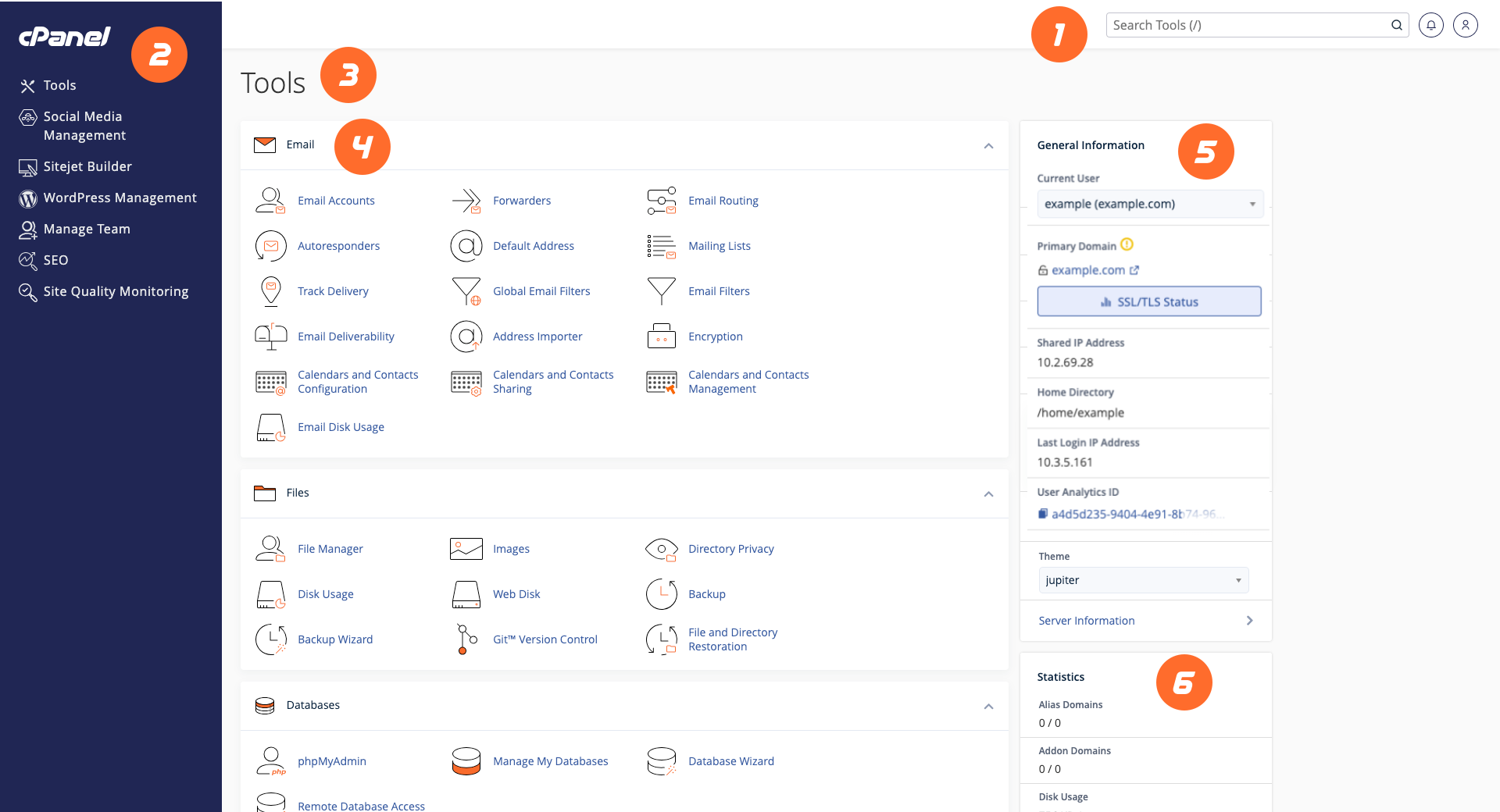
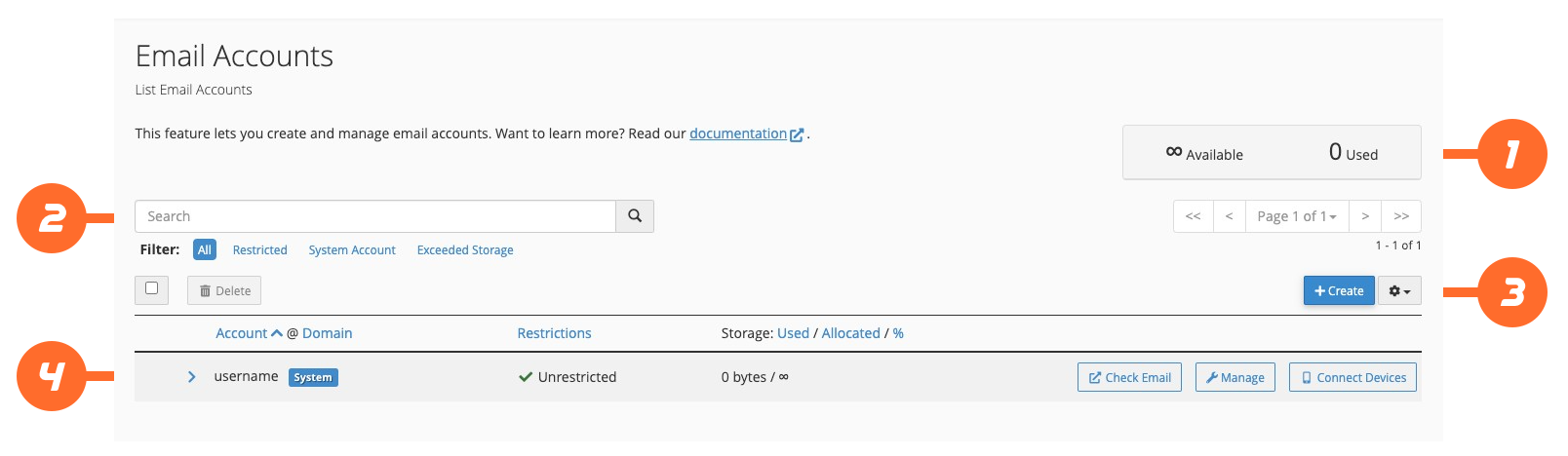
1️⃣ cPanel (The Industry Standard)

4
Official company: cPanel
✅ Advantages
❌ Disadvantages
💡 Best For:
Shared hosting companies and beginners.
—
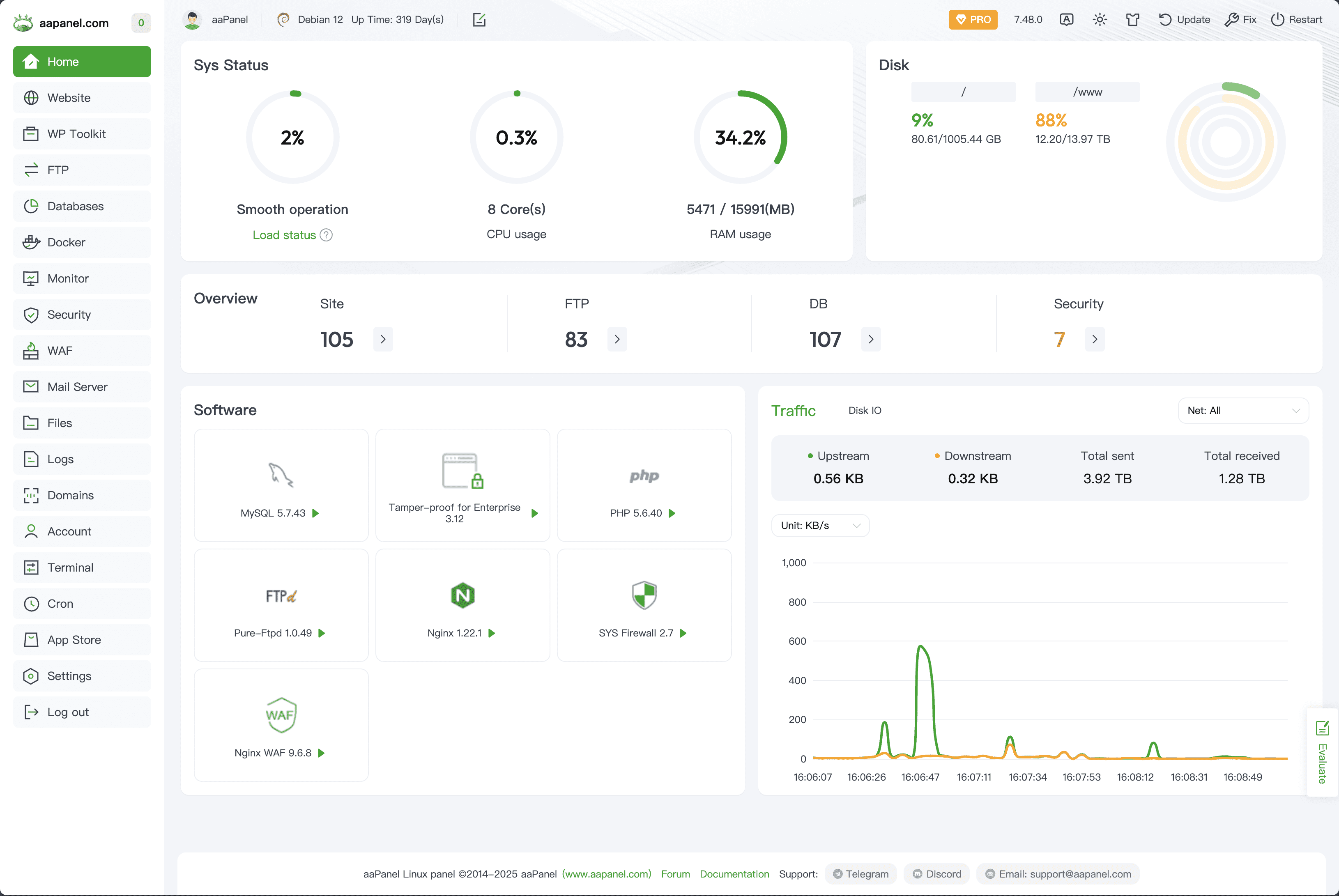
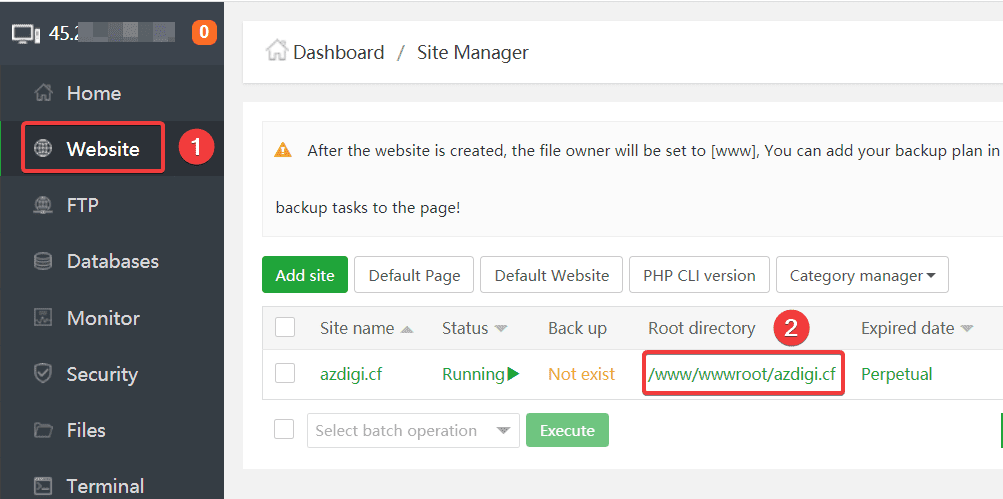
2️⃣ aaPanel (Free & Powerful)
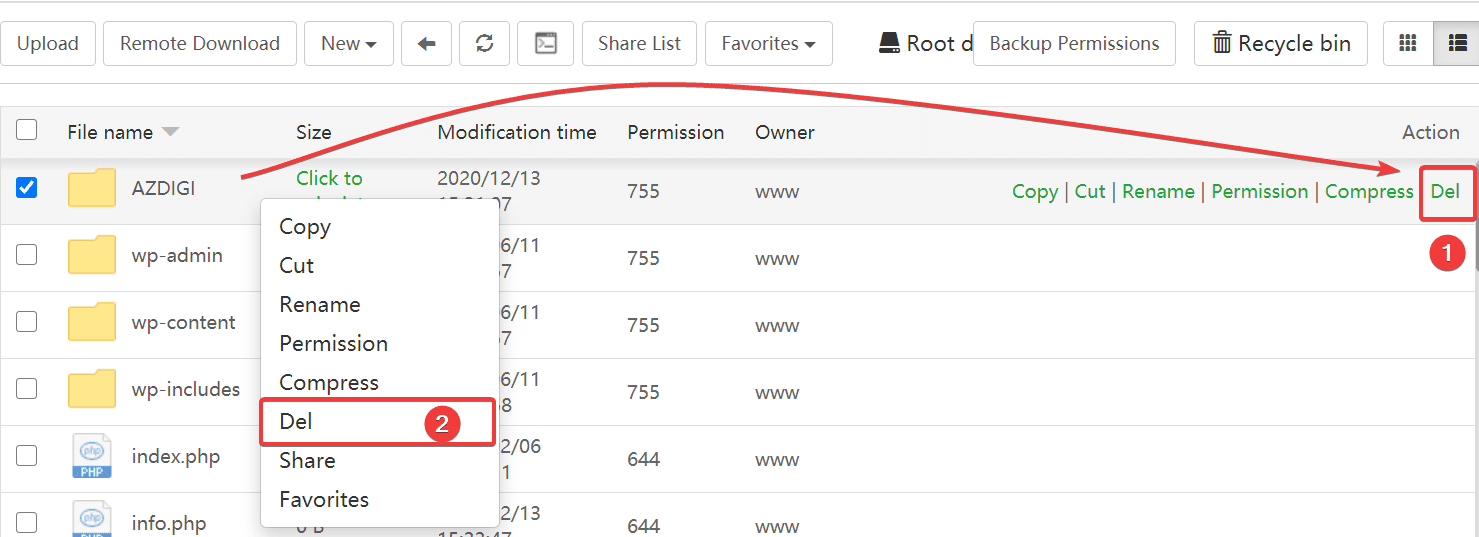
Official site: aaPanel
✅ Advantages
Free
Lightweight
Easy SSL installation
Built-in mail server
Ideal for VPS
❌ Disadvantages
💡 Best For:
VPS users who want free but powerful control.
—
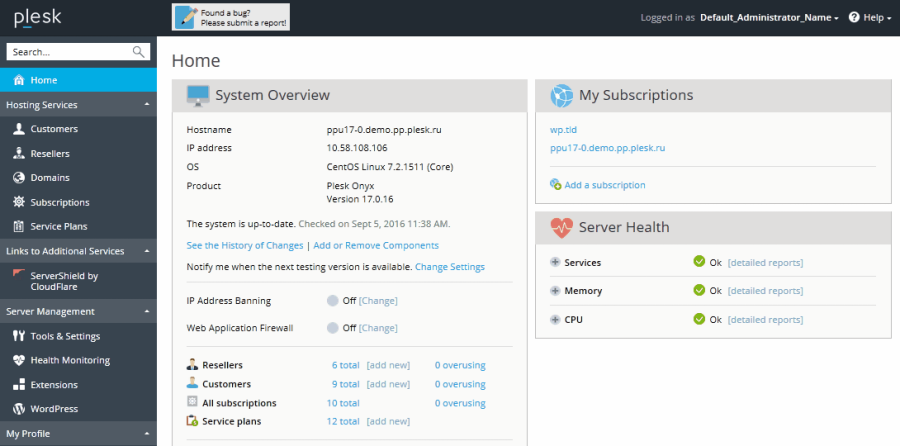
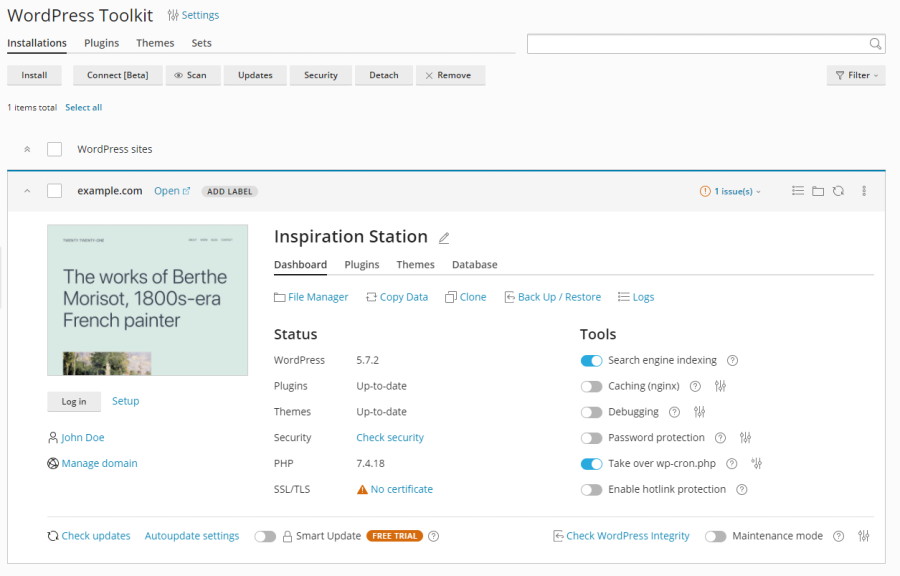
3️⃣ Plesk (Enterprise Alternative)

4
Official company: Plesk
✅ Advantages
Modern interface
Strong WordPress tools
Windows server support
Enterprise-ready
❌ Disadvantages
💡 Best For:
Agencies and Windows hosting.
—
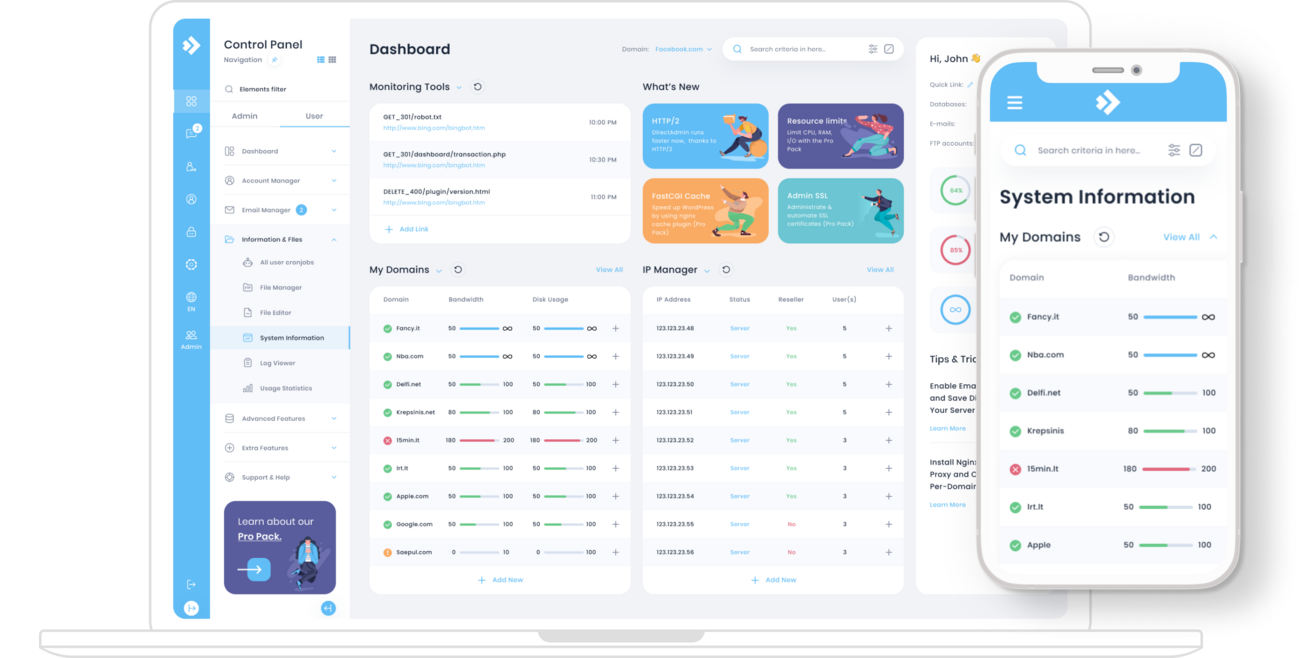
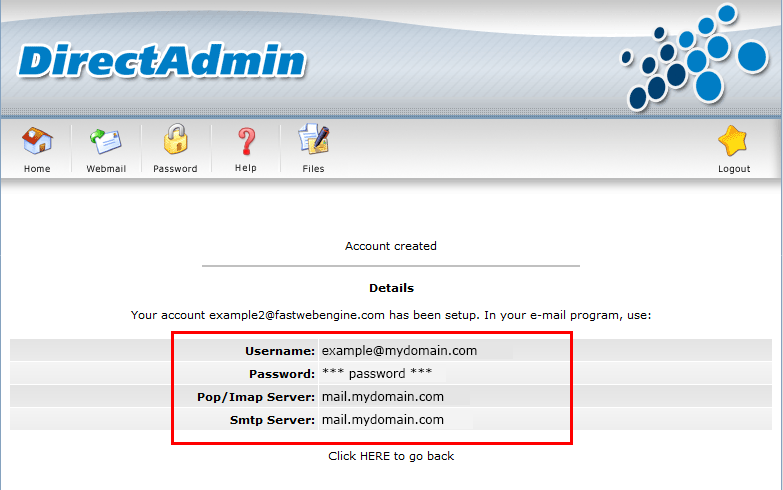
4️⃣ DirectAdmin (Lightweight Paid Option)

4
Official company: DirectAdmin
✅ Advantages
Cheaper than cPanel
Lightweight
Stable
❌ Disadvantages
💡 Best For:
Budget hosting providers.
—
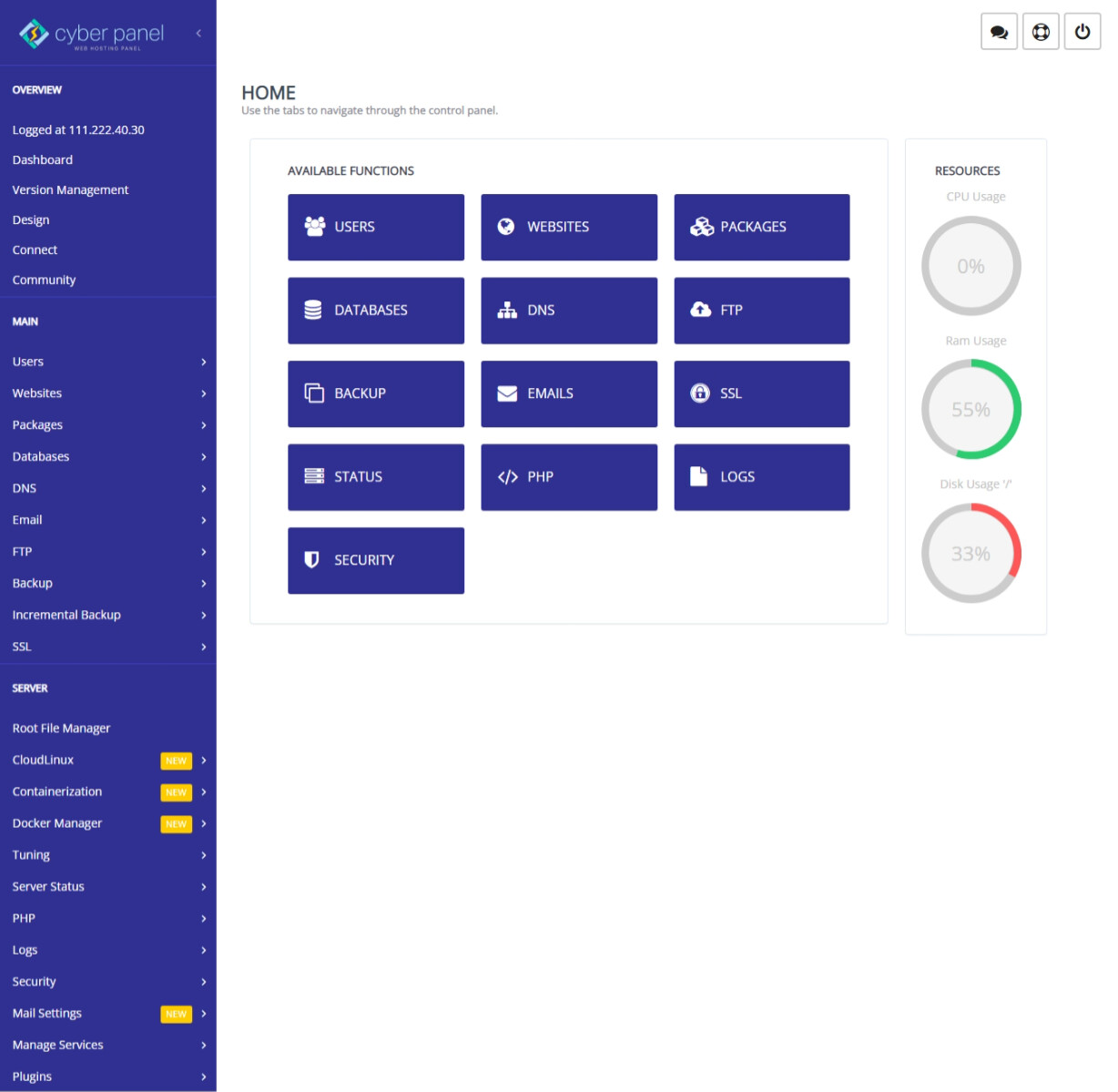
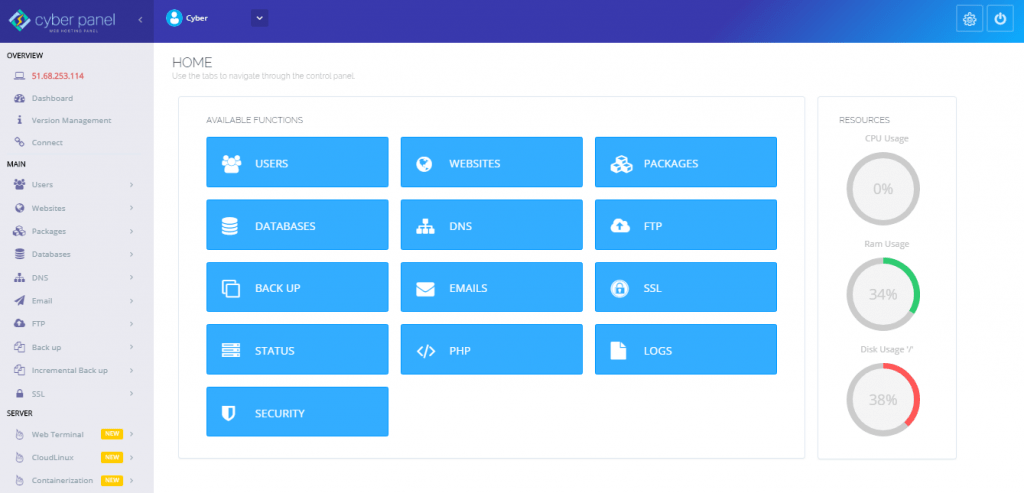
5️⃣ CyberPanel (OpenLiteSpeed Based)

4
Official site: CyberPanel
✅ Advantages
Free version available
Built on OpenLiteSpeed
Fast for WordPress
Easy SSL
❌ Disadvantages
💡 Best For:
WordPress VPS users.
—
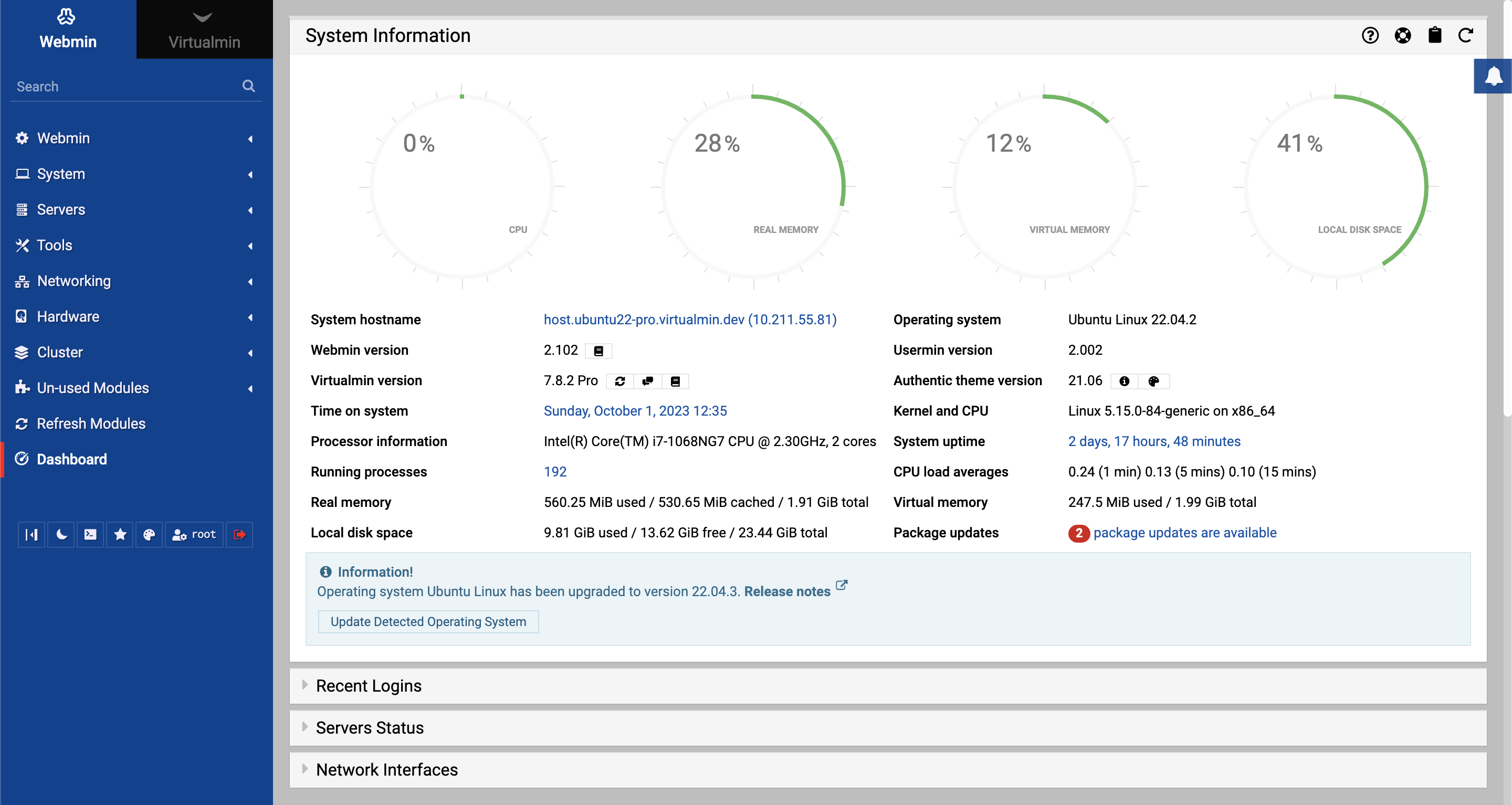
6️⃣ Webmin / Virtualmin (Advanced Users)
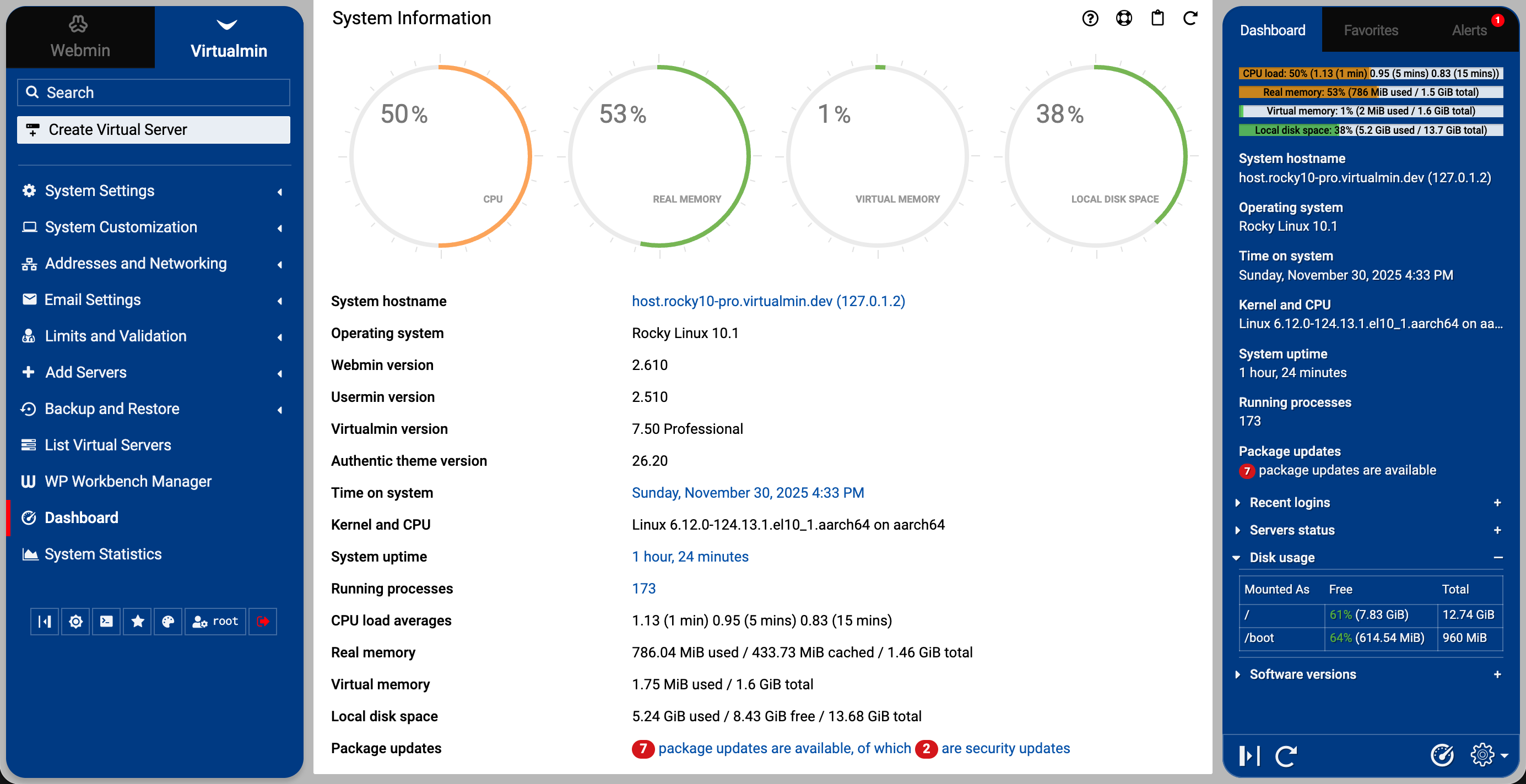
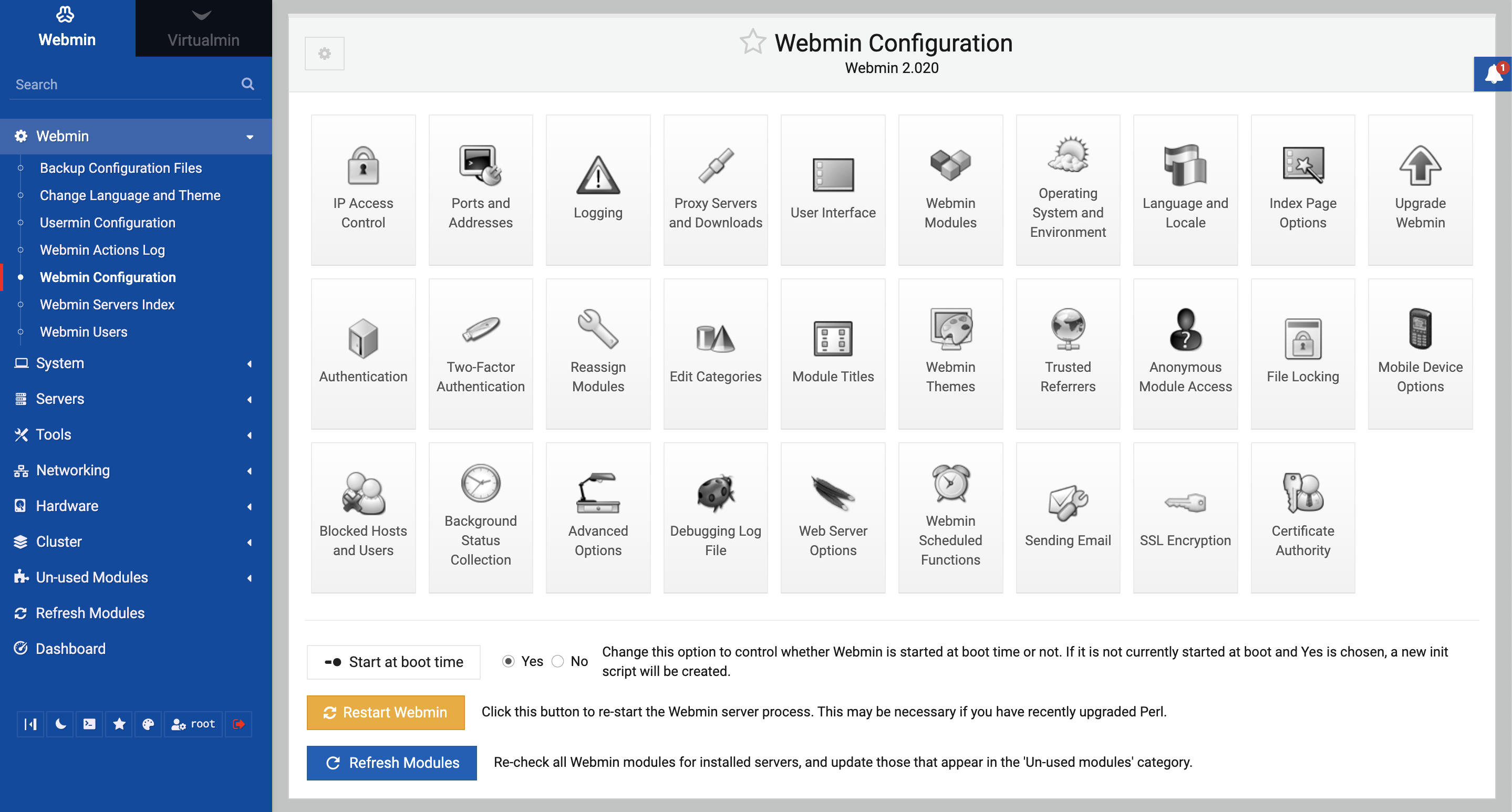
4
Official:
Webmin
Virtualmin
✅ Advantages
Very powerful
Highly customizable
Mostly free
❌ Disadvantages
Technical
Not beginner-friendly
💡 Best For:
Linux administrators.
—
🔥 Comparison Table (Quick View)
| Panel | Free? | Beginner Friendly | Best For |
|---|
| cPanel | ❌ | ⭐⭐⭐⭐⭐ | Shared hosting |
| aaPanel | ✅ | ⭐⭐⭐⭐ | VPS |
| Plesk | ❌ | ⭐⭐⭐⭐ | Agencies |
| DirectAdmin | ❌ | ⭐⭐⭐ | Budget hosting |
| CyberPanel | ✅ | ⭐⭐⭐⭐ | WordPress |
| Webmin | ✅ | ⭐⭐ | Advanced users |
—
🔥 Which Panel Is Best in 2026?
It depends:
ProgrammingWeb Development #panel

